Best AI Marketing Tools for Indie Makers in 2026
If you're a solo founder or small team on a tight budget, three tools cover most of the ground in 2026: Reachify for LinkedIn posts, a general AI assistant such as ChatGPT or Claude for drafting and repurposing, and Canva for visuals. I went through the MyTools catalogue with one question in mind: what can one person run alone, this week, without an enterprise contract?
Last reviewed: November 3, 2026.
Quick Answer: The Best AI Marketing Tools for Small Teams in 2026
An AI marketing tool uses AI to draft content, schedule posts, analyse keywords or personalise outreach. It takes over repetitive marketing work. That is the whole definition, and everything after it comes down to fit.
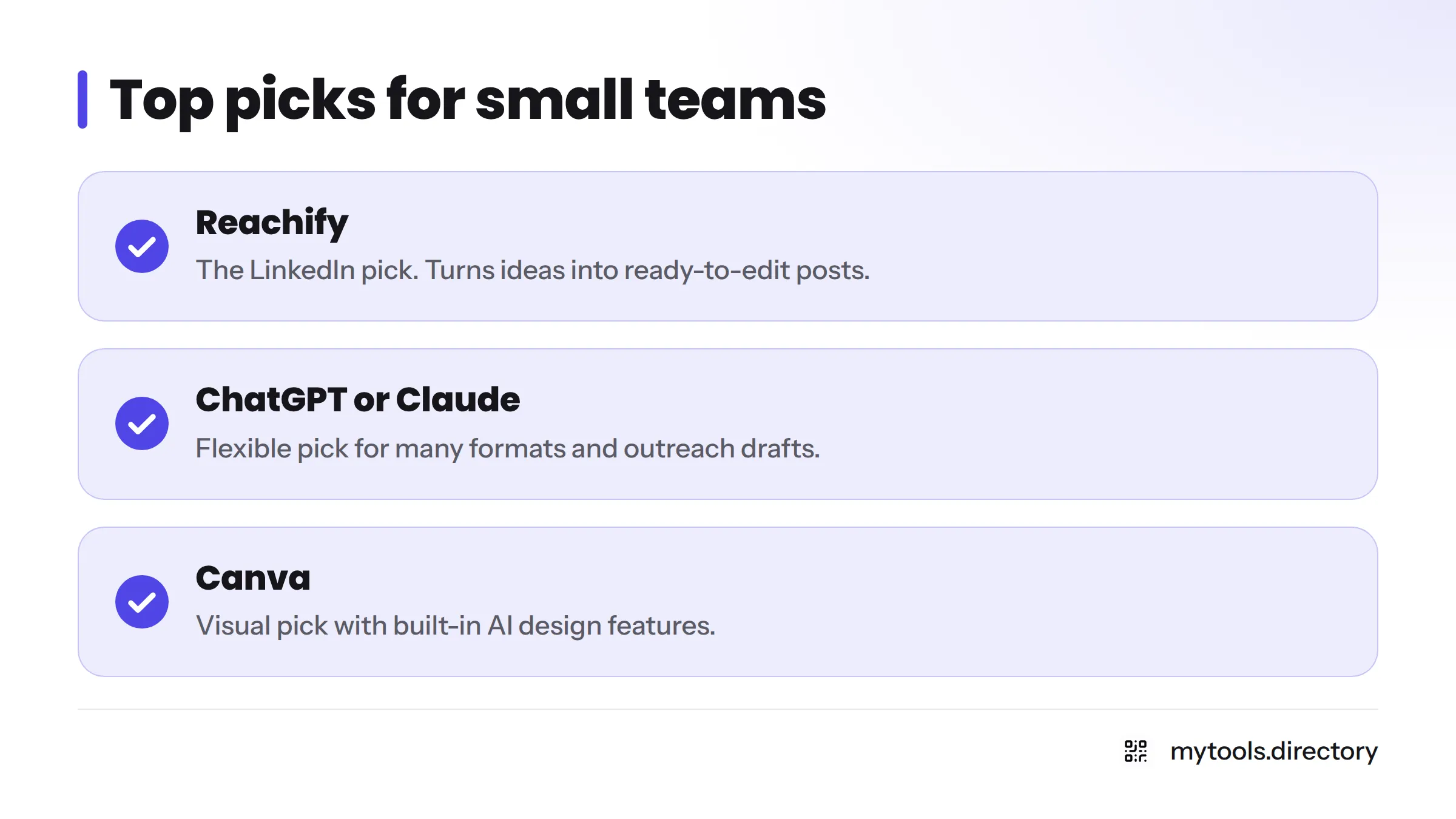
Here are my top picks, in order:
- Reachify: the LinkedIn pick. It turns your ideas into ready-to-edit posts, so you stay visible without a content team.
- A general AI assistant (ChatGPT or Claude): the flexible pick for turning one idea into many formats and for drafting outreach.
- Canva: the visual pick for turning drafts into graphics, with built-in AI design features.
Only Reachify is a catalogue listing here. The other two are mainstream tools I use for comparison. For the full set of indie-built options, browse the marketing and growth tools directory.
How I Picked These Tools from the MyTools Catalogue
Let's break it down. I skipped the 17-item mega-list where every tool gets two lines. A short list you can act on is more useful.
Selection criteria
- Budget fit: a free tier, a trial, or a low monthly cost.
- Solo usability: no setup team, no sales call, no training course.
- Promotion relevance: the tool has to help with a real task, such as posting, repurposing, outreach or keyword research.
The operator's first-hand context
I run MyTools, an indie directory, and I promoted it on a small budget. In my experience, the tools that helped were the ones that removed blank-page time. Drafting posts and reshaping one idea into several formats saved me the most hours. Tools that promised "full automation" mostly handed me generic output that I had to rewrite. I have no growth numbers to brag about, and I won't invent any.
Feature and pricing details below point you to each maker's own site. Plans change often, so check the vendor's pricing page before you pay.
1. Reachify: Best for LinkedIn Posts
Verdict: the most direct fix for founders who know they should post on LinkedIn and never do.
Best for: solo founders and consultants who want to build an audience through social media post generation.
What it does: Reachify's LinkedIn AI post generator drafts posts from your ideas, so you edit instead of starting from nothing. It fits the group of AI social media tools that save time on a single channel.
Pricing: check the vendor's pricing page for current plans and free-tier limits.
Limitation: it covers LinkedIn, not email or SEO. Pair it with another tool if you need those channels.
2. ChatGPT or Claude: Best for Drafting and Repurposing
Verdict: the best all-round starting point if you have no budget at all.
Best for: repurposing content, drafting outreach, and brainstorming angles.
What it does: these large language model assistants can turn a long post into a thread, a newsletter blurb and an email. Both OpenAI and Anthropic publish their plans on their own pricing pages, including free access with usage limits. Verify current limits there.
Limitation: output stays generic unless your prompt includes your voice, your audience and a real example. Prompting is a skill, so budget time to learn it.
3. Canva: Best for Visuals
Verdict: a practical pick when text alone won't stop the scroll.
Best for: social graphics, simple carousels and launch images.
What it does: Canva builds AI-assisted design features into its editor. It offers a free plan, so check the pricing page for what that includes today.
Limitation: it makes assets, not strategy. It won't tell you what to post.
4. AI Writing Tools: Best for Long-Form Content
Verdict: worth paying for only if you publish articles regularly.
Best for: blog drafts and SEO-focused content. This is where AI tools for content marketing save real time, and where AI SEO tools for small business sites earn their place.
What it does: dedicated AI writers add templates and workflows on top of the same language models. I keep the indie-built options in a separate comparison of AI writing tools for content, so I won't repeat that list here.
Limitation: you still need to fact-check and edit. Google's guidance on AI-generated content says its focus is on helpful, people-first content, not on how the content was produced.
5. Social Scheduling and Automation Tools: Best for Consistency
Verdict: pick this last, after you know which channel works.
Best for: founders who already have a posting habit and want marketing automation with AI to keep it running.
What it does: scheduling and automation tools queue posts and connect your apps. My guide to social media marketing tools for solo makers and the no-code automation tools list cover the options.
Limitation: automation multiplies whatever you feed it. Weak content, scheduled well, is still weak content.
Honorable Mentions Worth a Look
- Email outreach assistants: useful once you have a clear list and a clear offer.
- AI SEO and keyword tools: helpful for small-business sites that publish steadily.
- AI agents and chatbots: the AI-powered products catalogue lists indie-built examples.
- Launch directories: not AI, but a cheap way to get distribution. See startup directories for indie makers.
Quick Comparison: Best-For Notes and Pricing Model at a Glance
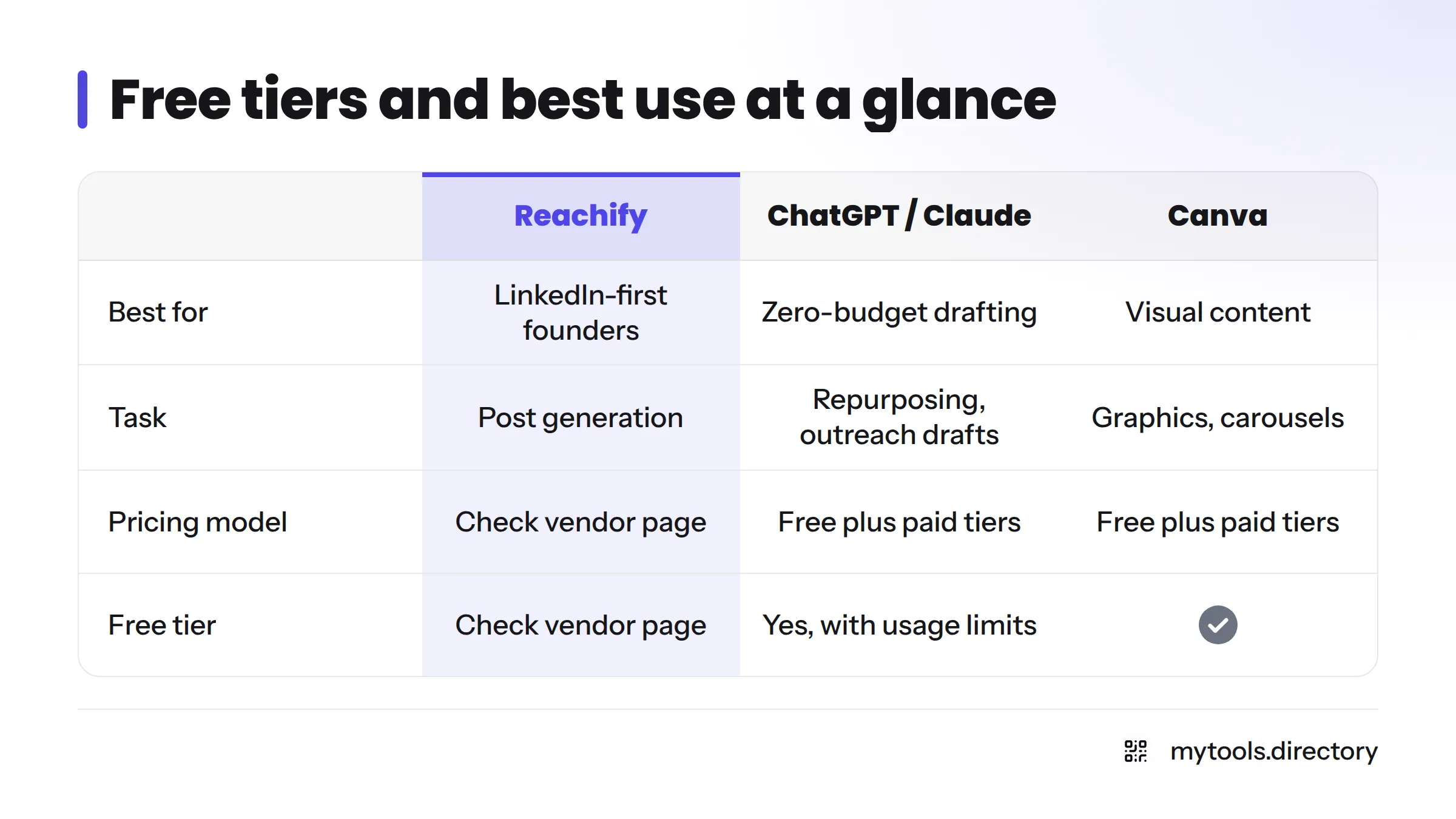
| Tool | Best for | Task | Pricing model | Free tier |
|---|---|---|---|---|
| Reachify | LinkedIn-first founders | Post generation | Check vendor page | Check vendor page |
| ChatGPT / Claude | Zero-budget drafting | Repurposing, outreach drafts | Free plus paid tiers | Yes, with usage limits (checked Nov 3, 2026, on vendor pages) |
| Canva | Visual content | Graphics, carousels | Free plus paid tiers | Yes (checked Nov 3, 2026) |
| AI writing tools | Article publishers | Long-form, SEO drafts | Varies by vendor | Varies; check each vendor |
| Scheduling and automation | Consistent posting | Scheduling | Varies by vendor | Varies; check each vendor |
How to Choose for a Solo Founder on a Tight Budget
Next steps, in order:
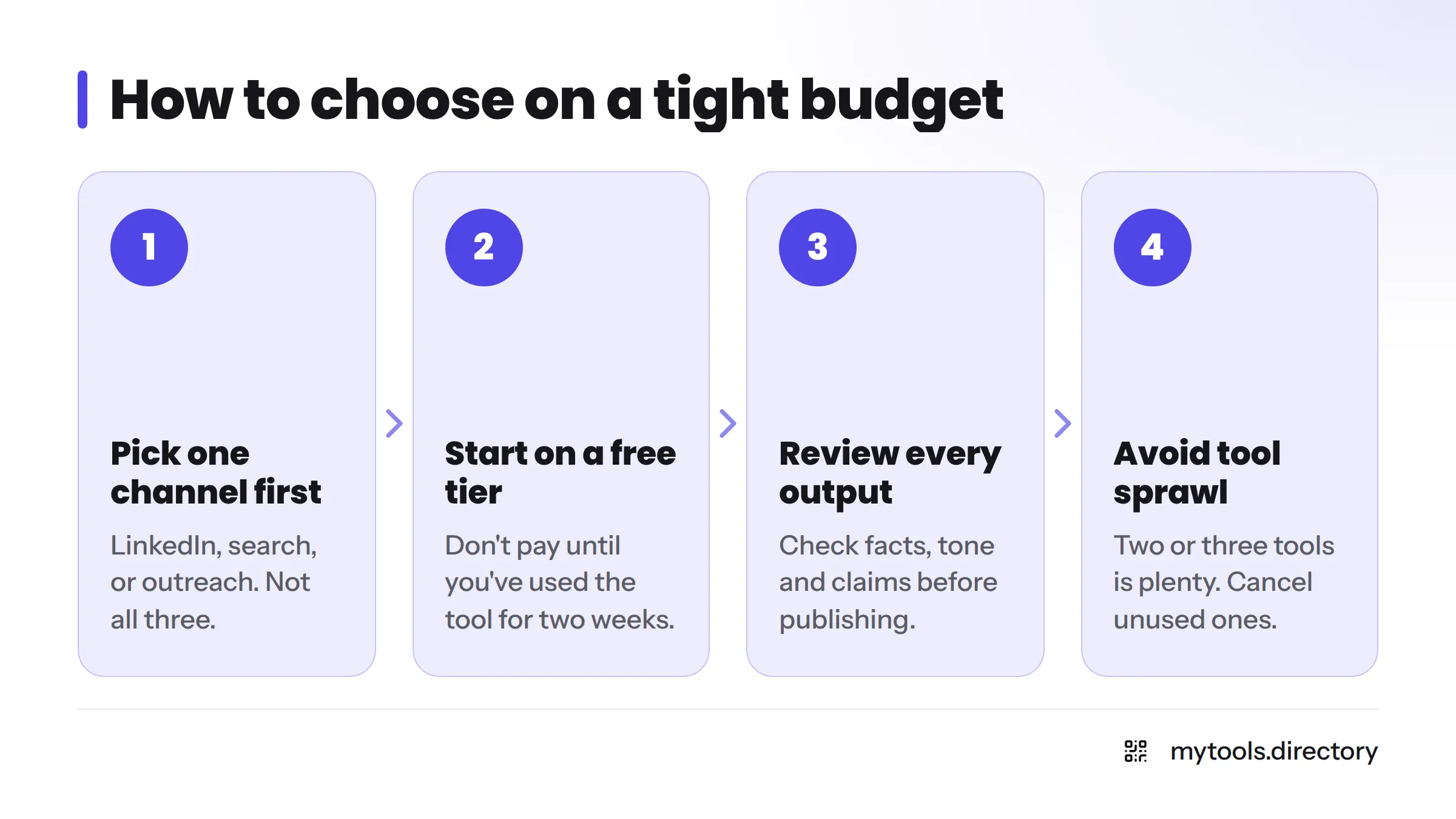
- Pick one channel first. LinkedIn, search, or outreach. Not all three.
- Start on a free tier or trial. Don't pay until you've used the tool for two weeks.
- Review every output before publishing. Check facts, tone and claims. The AI drafts, you decide.
- Avoid tool sprawl. Two or three tools is plenty. Cancel anything you didn't open this month.
A quick way to route yourself:
- LinkedIn-first: start with Reachify, then add an AI assistant for repurposing.
- SEO-first: start with an AI assistant for research and drafts, then add a writing tool if you publish weekly.
- Outreach-first: use an AI assistant to draft short, personal messages, and keep your list small and relevant.
Do you need an AI marketing platform or a single-purpose tool? For one person, I lean single-purpose. Big suites, including anything sold as an AI marketing cloud, tend to bring per-seat pricing and features a solo founder never touches. Agencies and AI marketing services can make sense later, once you have budget and a channel that works. This guide stays on tools one person can run. Wider topics, such as how AI in marketing works day to day, no-code AI platforms for building your own tool, and Writesonic alternatives for small teams, belong in their own guides. For the wider toolkit, see best tools for indie hackers.
FAQ
AI marketing tools use AI to draft content, schedule posts, analyse keywords or personalise outreach. They handle repetitive tasks, so you can spend your time on strategy and customers.
In my opinion, yes, if you pick one task and one tool. The payoff is saved drafting time. They don't guarantee growth, rankings or sales, and you still need to edit what they produce.
Pick one channel, start on a free tier, test for two weeks, review all output, and keep your stack to two or three tools. Always confirm current pricing and limits on the vendor's own page.
Next Steps
Browse all marketing and growth tools in the directory on MyTools. Built a marketing tool yourself? Submit it to the directory and reach the founders who need it.