Screen Studio Login and Review: Mac Screen Recorder
Screen Studio is a Mac screen recorder built for polished product demos. For a Screen Studio login, go to the official Screen Studio website and sign in to your account there, not through third-party links. This page does not host a login. It sends you to the maker, then gives you a short Screen Studio review if you are still deciding.
Go to the official Screen Studio site. Want to compare first? See the Focusee screen recorder listing.
Screen Studio Login: Where to Sign In
The maker handles every Screen Studio account sign-in. MyTools does not. Here is the safe route.
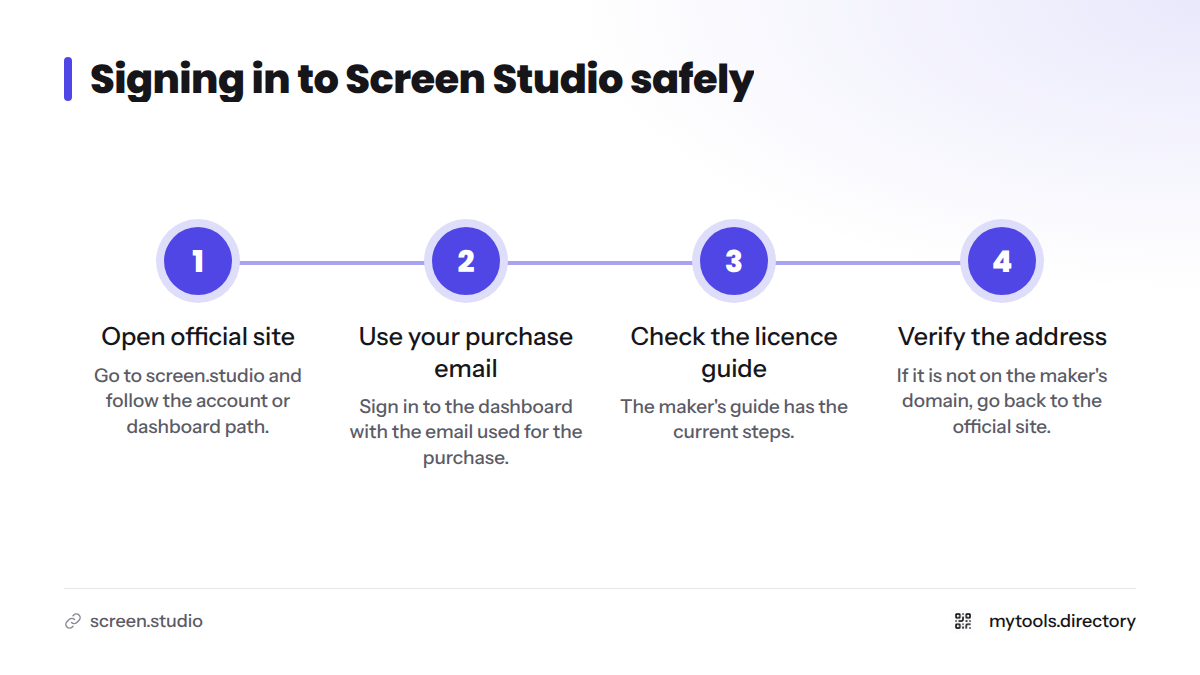
Start at the official Screen Studio website
Open screen.studio and follow the account or dashboard path from there. The maker's own licence management guide says to visit the dashboard and sign in with the email you used for the purchase. Check that guide for the current steps. This page does not narrate the sign-in process on the maker's behalf.
The Screen Studio dashboard on the web and the Screen Studio app on your desktop are two separate places. If activation is where you are stuck, the official guide is the right stop.
Watch for look-alike login pages
Search results can surface a similarly named product called "Screensstudio," which has its own login page. It is a different product. If the address is not on the maker's domain, stop and go back to the official site.
Need help with your account or Screen Studio license?
This page cannot reset passwords, move a licence, or cancel anything. Forgot your sign-in details? Lost your licence key? Changed your email address, or need to move a Screen Studio license to a new Mac? Use the official licence guide or contact the maker's support from their site.
What Screen Studio Does
Screen recording captures what happens on your display, often with a microphone and webcam alongside. According to the MyTools listing, Screen Studio is a macOS screen recorder that turns raw captures into polished demo, tutorial, and social videos. In other words, it works as a product demo recorder that does the editing polish for you.
Features From the MyTools Listing
The MyTools listing for Screen Studio highlights four points:
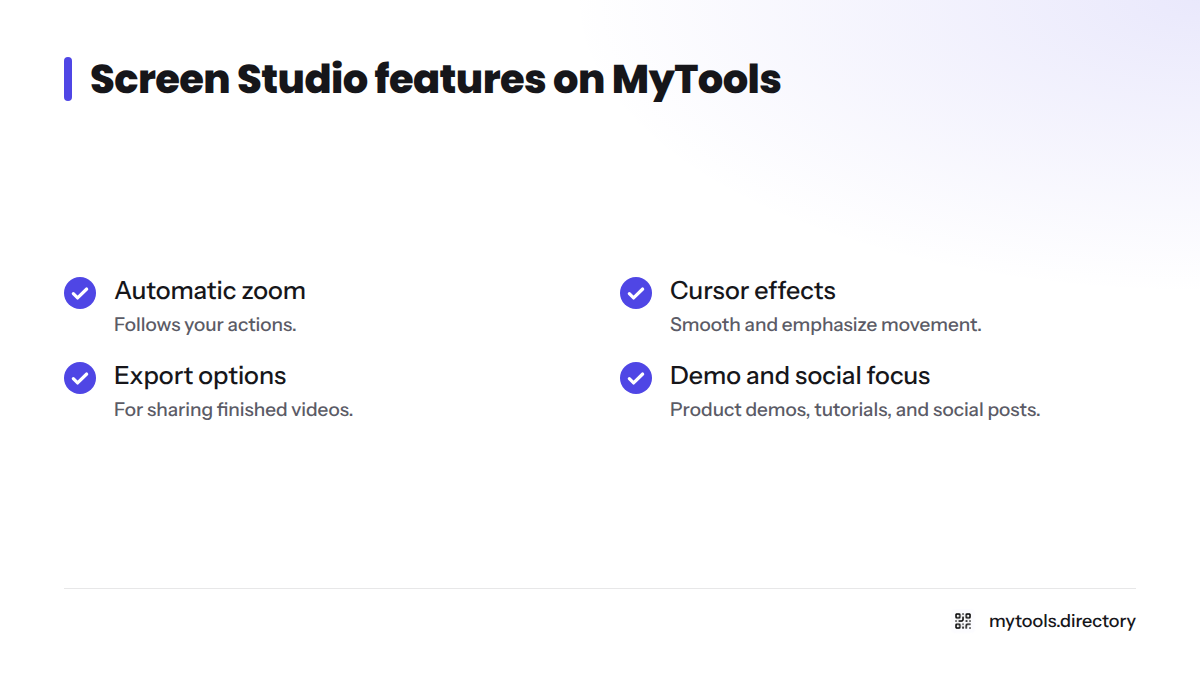
- Automatic zoom that follows your actions
- Cursor effects that smooth and emphasize movement
- Export options for sharing finished videos
- A focus on product demos, tutorials, and social posts
The listing stops there. For the full feature set or the macOS version the app needs, check the maker's site.
| At a glance | Detail |
|---|---|
| Platform | macOS |
| Category | Screen recorder |
| Official site | screen.studio |
| Listed on MyTools | Yes, in the Screen Recorder category |
Who Should Use Screen Studio
Best fit. Founders, makers, course creators, and SaaS teams who want demo videos that look edited without hiring an editor. If you record product walkthroughs often, automatic zoom and cursor polish save real time.
Probably not for you. Anyone who needs a Windows or Linux recorder. This page makes no claim of support beyond macOS, so confirm platform details on the official site. Weighing options? Loom is a well-known recorder in the same broad category, and the Focusee screen recorder listing is a good next stop on MyTools if you want Screen Studio alternatives to compare.
How Indie Founders Use Polished Recordings for Launches and Listings
Here is our observation as a directory that reviews indie tools: a clean recording does a lot of work for a small team. Founders use a product launch demo video to show the product in under a minute. They then reuse the same footage as a directory listing video, so visitors see the product working before they click. A recorder that handles zoom and cursor polish makes that routine repeatable.
Planning a launch? Browse startup directories for indie makers and pair your video with a solid product launch checklist.
Before You Pay: What to Check on the Official Site
MyTools does not hold Screen Studio pricing, discount codes, or cancellation details. Let's break down what to verify with the maker first:
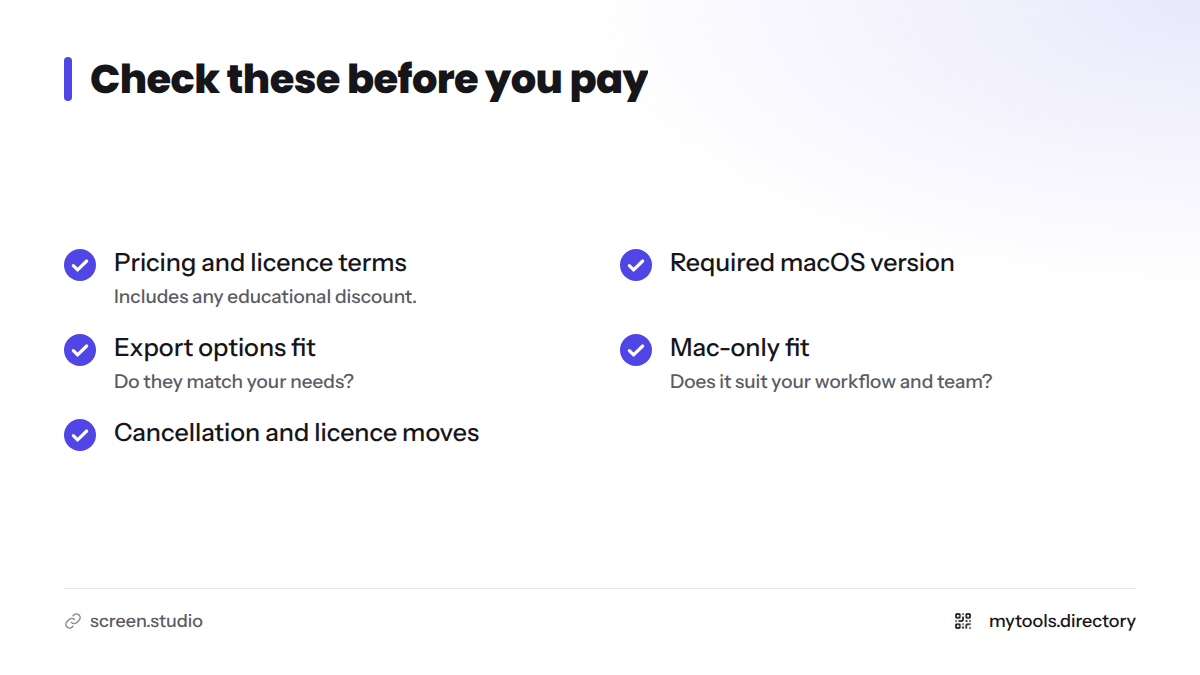
- Current Screen Studio pricing and licence terms, including any educational discount
- The macOS version Screen Studio requires
- Whether the export options match your needs
- Whether Mac-only fits your workflow and your team
- How cancellation and licence moves work
For more tools in this space, see our developer and creator utilities and the wider MyTools home page.
Verdict: Is Screen Studio Worth a Look?
In our editorial opinion, yes, if you are on a Mac and demos matter to your launch. The listing describes a recorder built for polish rather than raw capture, which is what founders usually need. Skip it if you work outside macOS.
Next steps: visit the official Screen Studio site to sign in or check current details, or compare the Focusee screen recorder first.
FAQ
Where do I log in to Screen Studio? Use the official Screen Studio website and sign in to your account there.
Is Screen Studio only for Mac? The listing describes it as a macOS recorder. Confirm any other platform on the official site.
Where do I check Screen Studio pricing? On the official site. MyTools does not hold live pricing.