SaaS Starter Kit: Indie-Built Boilerplates (2026)
Which SaaS starter kit should a solo founder use? Pick the one that matches the stack you already know (Next.js or Laravel), ships auth and billing out of the box, and shows recent updates. A SaaS starter kit, also called a SaaS boilerplate or SaaS starter template, is a prebuilt codebase with login, payments, email and a landing page. You extend it with your own product logic and ship SaaS faster. Here is how to shortlist one in a few minutes.
I run MyTools, a catalogue of tools built by indie makers. I built it on a no-code stack, so I know what it costs to rebuild the boring parts of a product. Starter kits exist to spare you that work. Let's break down how to choose well.
Our Pick: Match the Kit to the Stack You Already Know
There is no single winner for everyone. The right kit depends on your stack, your budget and how much support you want. You can still narrow the field to one pick fast.
The short answer
- You write React and TypeScript: start with a Next.js SaaS starter. Indie Kit, a Next.js boilerplate is a good first listing to open.
- You prefer a generator to a fixed template: look at Shipixen, which scaffolds a project with a generator-style approach.
- You write PHP: browse the Laravel category and pick a Laravel SaaS starter kit built on the framework you already use.
My own bias is toward the kit that matches your existing skills, even when another one has a longer feature list. A familiar codebase saves more time than extra features you have to learn first.
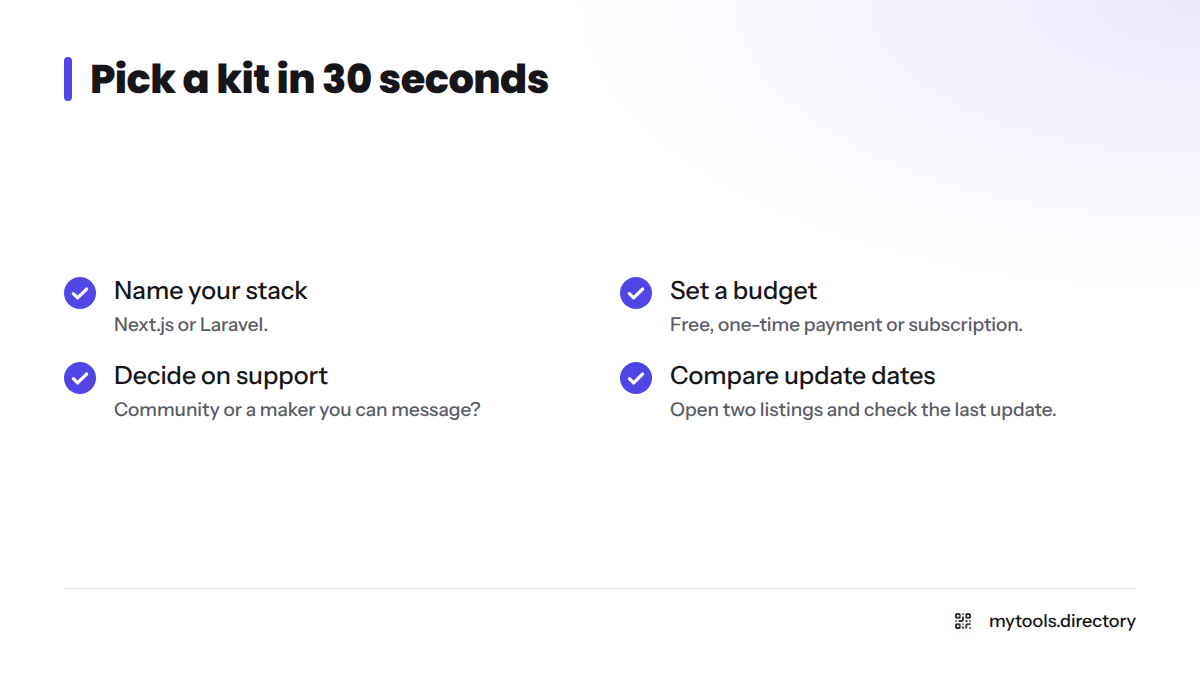
Pick in 30 seconds
- Name your stack: Next.js or Laravel.
- Set a budget: free, one-time payment or subscription.
- Decide on support: do you need a community or a maker you can message?
- Open two listings and compare the last update date.
How I Vet and List Starter Kits in the MyTools Catalogue
Maker-submitted, hand-vetted listings
Every kit in the catalogue comes from its maker, who submits it through the submission page. I review each entry by hand before it goes live. Some listings are featured, and I label them so you can tell.
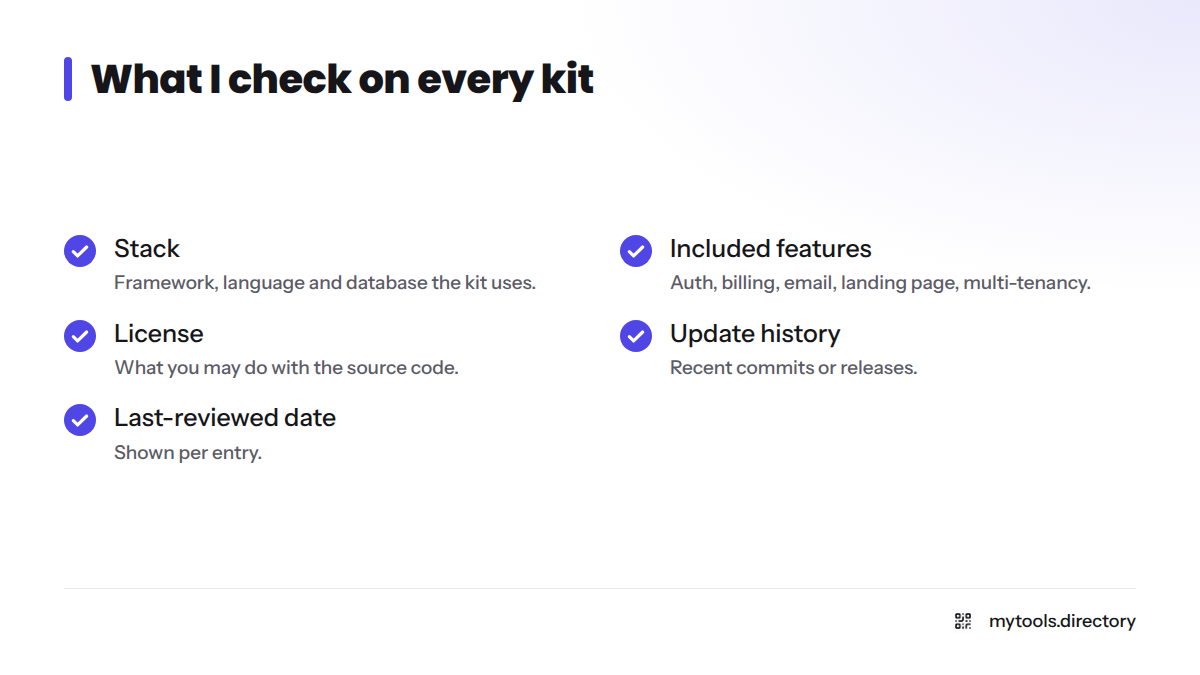
What I check
- Stack: the framework, language and database the kit uses.
- Included features: auth, billing, transactional email, a landing page, and multi-tenancy where it applies.
- License: what you may do with the source code, and whether you own it after purchase.
- Update history: recent commits or releases.
- Last-reviewed date: shown per entry, so you know how fresh my check is.
Operator's note: building MyTools on a no-code stack
I built this directory with Directify, a no-code directory builder. That choice taught me a hard lesson: speed comes from not owning problems someone has already solved. A good kit applies the same idea to code. If you are not a developer, the no-code tools directory may suit you better than a code kit.
Browse Starter Kits by Category and Tag
The Starter Kit category is the grid to start with. Filter by stack, such as NextJS or Laravel, then by tag. Sort by popularity, newest or top rated.
What the tags mean
| Tag | What it tells you |
|---|---|
| Free | The kit has a free option. Check its limits on the listing. |
| Hot | The kit is getting strong attention in the catalogue right now. |
| New | The kit was added recently. |
| Deal | The maker is running a discount. |
Popularity and rating signals appear on each listing card and drive the sort options. Treat them as a starting point, not a verdict. Read the listing and the maker's own site before you buy.
Featured Indie-Built Starter Kits at a Glance
I fill this table only with details I can confirm. Where a value is not confirmed, it says "See listing."
| Kit | Stack | Ships with | Pricing signal | Details |
|---|---|---|---|---|
| Indie Kit | Next.js | See listing | See listing | Open the listing |
| Shipixen | Generator-style, Next.js-based | See listing | See listing | Read the review |
| ShipFast | Next.js | See listing | See listing | Search the catalogue |
| Larafast | Laravel | See listing | See listing | Search the catalogue |
Other options turn up in search results too. supastarter is a paid Next.js kit with published tiers. The BoxyHQ SaaS Starter Kit is an open-source SaaS starter kit built on Next.js and aimed at enterprise features like SAML single sign-on. I have not listed either as a catalogue pick.
How to Choose Between Kits: Stack, Features, and Price
Here is the order I work through when comparing the best SaaS starter kits:
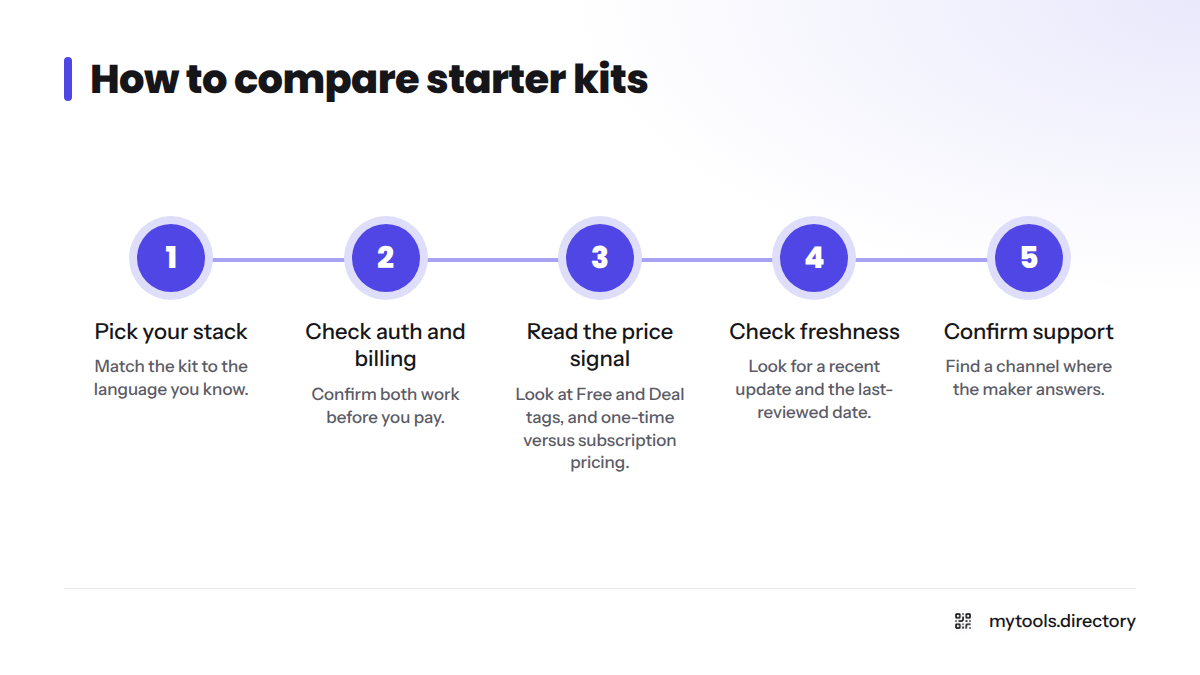
- Pick your stack. Match the kit to the language you know.
- Check auth and billing. Confirm both work before you pay.
- Read the price signal. Look at Free and Deal tags, and at one-time versus subscription pricing.
- Check freshness. Look for a recent update and the last-reviewed date.
- Confirm support. Find a channel where the maker answers.
Start with your tech stack
Next.js and Laravel are both mature frameworks. Next.js suits teams that live in React. Laravel suits PHP builders who want batteries included. Neither wins in the abstract, because your own skills decide it. For a deeper Next.js roundup, see our guide to Next.js boilerplate options.
Check the auth and billing coverage
Look for email login, OAuth and a payments provider. Stripe is the most common one, and some kits add alternatives. If you need team accounts, look for multi-tenancy.
Read the price signals
A SaaS starter kit free of charge costs nothing up front but may leave you to wire up billing yourself. Paid kits often use a one-time license, while subscription kits keep charging. Pick the model that fits your cash flow. Open-source options sit at the free end of the range, and they suit founders who are comfortable reading and patching someone else's code.
Red flags
- No updates in many months.
- A vague license that does not say you own your copy.
- No support channel.
- Feature claims you cannot verify.
A quick decision tree
- Know Next.js? Yes: filter to NextJS. No: filter to Laravel, or consider a no-code route.
- Budget zero? Yes: apply the Free tag and check the limits. No: apply the Deal tag and compare one-time prices.
- Need teams or multi-tenancy? Yes: open only kits that list it. No: choose the simplest kit.
Still weighing a purchase against a scratch build? Read our take on whether a SaaS boilerplate is worth it.
Next Steps: Reviews, Stack Roundups, and Build Guides
- Best Developer Tools for Indie Hackers
- Solo Founder Resources and Tools Hub
- The SaaS category
- Shipixen review
Built a starter kit? Submit it to the MyTools catalogue and reach founders who are choosing right now. Ready to shop instead? Open the Starter Kit grid and apply your filters.
SaaS Starter Kit FAQ
A SaaS starter kit is a prebuilt codebase that already handles the repeat work of a software product: authentication, billing, transactional email and a landing page. You add your own features on top. People also call it a SaaS boilerplate or a SaaS starter template, and the indie hacker boilerplate label usually points to the same thing.
Often yes, if the price is lower than the hours you would spend building auth and billing yourself. Check the license, update history and support first. A cheap kit that nobody maintains can cost more than it saves.
Pick the stack you already know. Next.js fits React developers, and Laravel fits PHP developers. Familiarity lets you ship faster and fix bugs without guessing.
Yes. An open-source SaaS starter kit is one route, and the catalogue's Free tag marks kits with a free option. Read the listing first, since free kits may skip billing or support.
Sources
- BoxyHQ SaaS Starter Kit repository, GitHub
- supastarter, official site
- Next.js Documentation, Vercel
- Laravel Documentation, Laravel
- Stripe Documentation, Stripe
Related: ShipFast review, Larafast for Laravel builders, Shipixen's generator approach