Best No Code App Development Tools for Indie Makers 2026
Solo founders building a product in 2026 should start with Directify if the product is a directory or listing site. For anything else, the MyTools catalogue of 182+ indie-built tools gives you a shortlist sorted by top rating and popularity. Each pick below carries a best-for note and a start-cost check.
Last reviewed: October 2026.
Quick Answer: Six Picks for No Code Tools for Solo Founders
Match the tool to the job. Then check the free tier and the exit route before you commit.
- Directify: best for building a directory or listing site.
- Top-rated catalogue pick: best overall for indie makers.
- Most popular catalogue pick: best for a fast start.
- Budget MVP pick: best for launching on a tight budget.
- Design-control pick: best for founders who care about every pixel.
- Zero-code shipping pick: best for launching without touching code.
The verdict: Building a directory? Use Directify. Building anything else? Open the No-Code category, sort by top-rated and by popularity, and shortlist two tools that fit your job. Test each with a small MVP before you pay.
I run MyTools, so I have a bias. Here is exactly where it sits, and how I ranked.
How I Ranked These No Code Development Tools
Most roundups hide their method, and some come from a vendor that ranks itself first. I would rather show my work.
What the catalogue tells me
Every tool here comes from the MyTools No-Code category. I use two built-in sorts: top-rated and popularity. A tool that ranks well on both earns a higher slot. A real indie maker submitted each listing, and I vetted each one by hand.
What I have used myself
I built MyTools on Directify. It handled the structure of a listings site well: categories, submissions, and browsable pages. Before you commit, test how far its templates stretch when you want custom behavior. That is my experience with one tool, nothing more.
What I have not tested
I have not tested the other tools. I describe them from their catalogue listings and point you to each maker's own site and pricing page. I state no prices, limits, ratings, or user counts that I cannot verify.
The checklist I applied
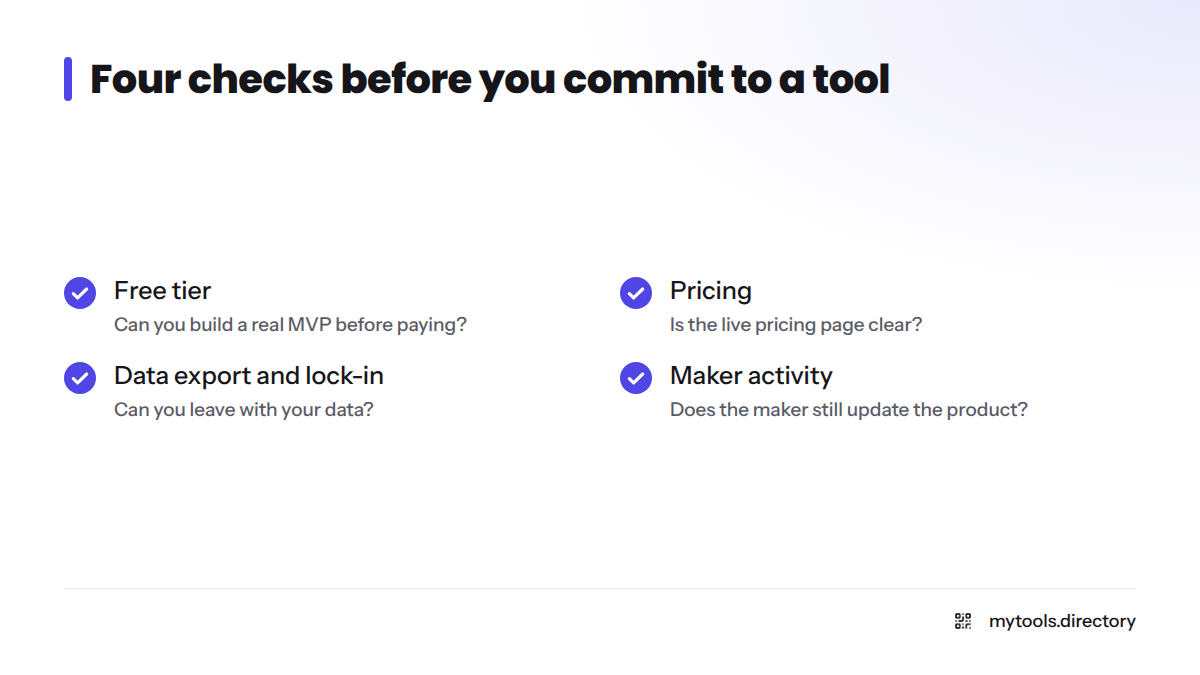
- Free tier: can you build a real MVP before paying?
- Pricing: is the live pricing page clear?
- Data export and vendor lock-in: can you leave with your data?
- Maker activity: does the maker still update the product?
1. Directify: Best for Building a Directory or Listing Site
This is the tool I know best, because it runs this site. Visit Directify to see what it does.
- Best for: directories, curated lists, and listing sites.
- What it does: turns a set of entries into a browsable, searchable site without code.
- Cost to start: check the vendor's pricing page, since plans change.
- Watch out for: confirm how you can export your listings before you pour months into content.
2. Top-Rated Catalogue Pick: Best Overall for Indie Makers
Open the No-Code category and sort by top-rated. The tool at the top of that view is your best all-round candidate in the catalogue.
- Best for: founders who want the community's highest-rated option.
- Cost to start: read the maker's pricing page and note the date you checked.
- Watch out for: a high rating says little about your specific use case, so test it.
3. Most Popular Catalogue Pick: Best for a Fast Start
Sort the same category by popularity. Popular tools tend to have more examples and community answers, which can shorten your first week.
- Best for: first-time builders who want proof that others ship with it.
- Cost to start: check the vendor's free tier and its limits.
- Watch out for: popular does not mean right for you. Check export options.
4. Budget MVP Pick: Prove One Idea Before You Spend
From the catalogue, pick the tool with a usable free tier and a clear pricing page. An MVP only needs to prove one idea, so a free plan is often enough to find out whether anyone wants the product. If you are searching for no code app development tools free of charge, this is the slot to fill.
- Best for: validating an idea before you spend.
- Cost to start: confirm free-tier limits on the live pricing page.
- Watch out for: free tiers often cap users, records, or branding. Read the caps first.
5. Design-Control Pick: Best for Founders Who Sweat the Look
Choose a visual app builder with a flexible editor and a drag-and-drop layout system. Then check that it publishes a web app you are proud of.
- Best for: founders who care about look and feel.
- Cost to start: check the vendor's pricing page.
- Watch out for: more control usually means a longer learning curve.
6. Zero-Code Pick: Best for Shipping Without Writing Code
Pick the template-first tool in the catalogue. Fill it, publish it, and learn from real users. This is the quickest way to build software without coding.
- Best for: founders who want a no-code app builder that gets them live as fast as possible.
- Cost to start: check the vendor's pricing page.
- Watch out for: templates speed you up now but can box you in later.
Want a wider view? See the best no code app builder for shipping a full product and the best no-code tools for indie hackers.
Comparison Table: Verdict and Best-For at a Glance
| Tool | One-line verdict | Best for | Free tier? | Lock-in check |
|---|---|---|---|---|
| Directify | Runs MyTools itself | Directory or listing site | Verify on its site | Confirm listing export |
| Top-rated pick | Highest community rating | Overall | Verify on maker's site | Confirm data export |
| Popular pick | Most-used in catalogue | Fast start | Verify on maker's site | Confirm data export |
| Budget MVP pick | Usable free plan | Tight budgets | Verify caps | Confirm data export |
| Design pick | Flexible visual editor | Design control | Verify on maker's site | Check how apps publish |
| Zero-code pick | Template first | Shipping fast | Verify on maker's site | Check template limits |
How to Choose the Right Tool for Your Product
Let's break it down into four steps:
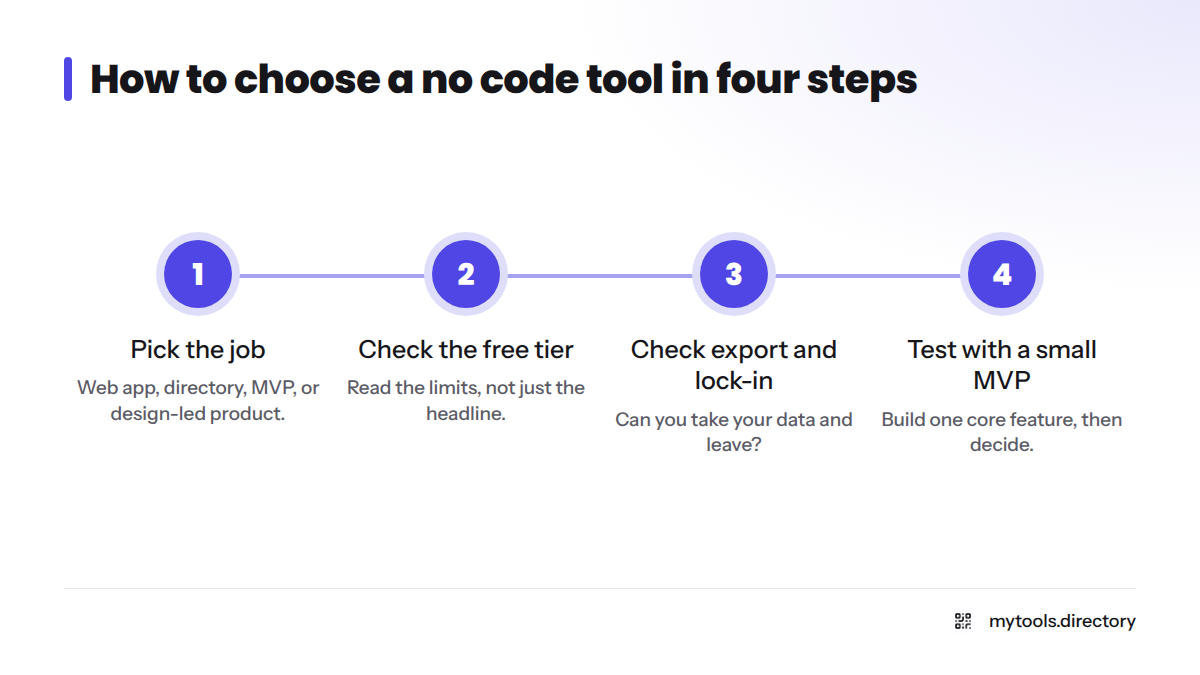
- Pick the job. Web app, directory, MVP, or design-led product.
- Check the free tier. Read the limits, not just the headline.
- Check export and lock-in. Can you take your data and leave?
- Test with a small MVP. Build one core feature, then decide.
Vendor lock-in means depending on one platform so heavily that leaving is costly. Before you commit, ask whether you can export your data as CSV or through an API, and whether your app logic can live anywhere else.
Your starting point depends on your skills. If you are new, take the template-first route and ship one small thing. If you have some technical skill, favor tools with API access and export, so you can grow past the platform. Teams weighing low code tools for small teams against pure no-code should read our sibling guide on that difference rather than this page.
Next Steps: Compare More Tools
Ready to compare? Browse every no-code app builder in the directory and sort by top-rated or popular. For more picks, try more tools for indie hackers or the MyTools homepage. Built your own? Submit your own no-code tool.
FAQ
They let you build software through visual editors, templates, and drag-and-drop interfaces instead of code. You design screens, connect data, and publish a working web app without a programming background.
Often, yes, for an MVP and early growth. Check scale limits, pricing as you grow, and your export options. Many founders launch on no code, learn from users, and move to custom code only when the product demands it.
Pick your job first. Then compare the free tier, pricing, data export, and how active the maker is. Build a small MVP in your top two choices before paying for either.
Not to launch. You may want one later for custom features, heavy integrations, or performance work. Many solo founders ship version one alone and bring in help after the idea proves itself.
Sources
Related: browse every no-code app builder in the directory, more tools for indie hackers