Death to Stock and Indie Design Assets for Founders 2026
Solo founders can build a launch kit from one hand-vetted set of indie design assets: stock photos, color palettes, fonts, mockups and naming tools, including Death to Stock-style photo packs. Start with the filterable grid on MyTools, switch on the Free tag, sort by rating, and work from there.
I have hand-checked every listing in the MyTools catalogue. This page covers the design and branding shelf, sorted by the job you need done. Let's break it down.
Where Solo Founders Can Find Death to Stock-Style Assets and Indie Design Tools
You have a product, a deadline and almost no budget. Then you open a generic stock library and every image looks like a handshake in a glass office. That frustration is why people search for Death to Stock in the first place.
What Death to Stock is
Death to Stock is a subscription-based service that supplies photos and other creative assets for creators who want imagery that feels less staged than classic stock. Check its official site for current plans, credit rules and licence terms. If you are researching the Death to Stock price, expect to find mismatched numbers: third-party sources quote different prices for the same plans, which shows how quickly those details change.
Why founders look for alternatives
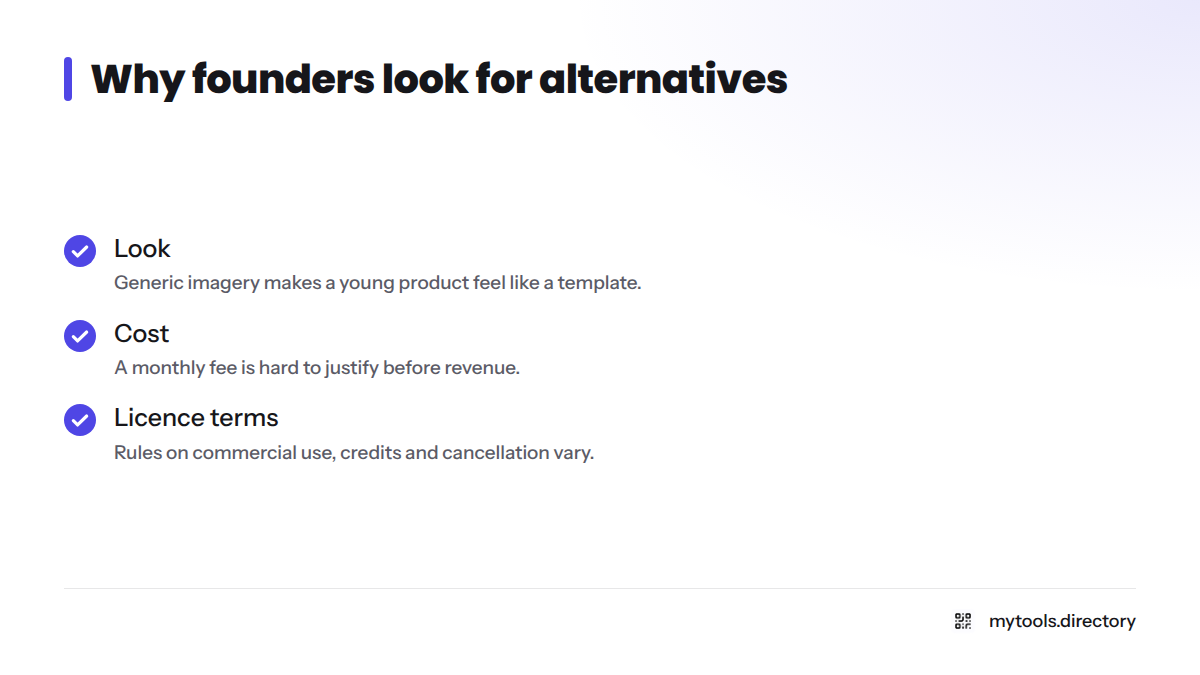
Three reasons come up again and again:
- Look: generic imagery makes a young product feel like a template.
- Cost: a monthly fee is hard to justify before you have revenue.
- Licence terms: rules on commercial use, credits and cancellation vary by service, so read them every time.
Before you publish anything: check each maker's site for current pricing and licence terms before commercial use. I am not giving legal advice here, and neither is any listing.
How I Vetted and Tagged These Design Picks (Free, Hot, New, Deal, Rating)
Every pick passes the same short checklist:
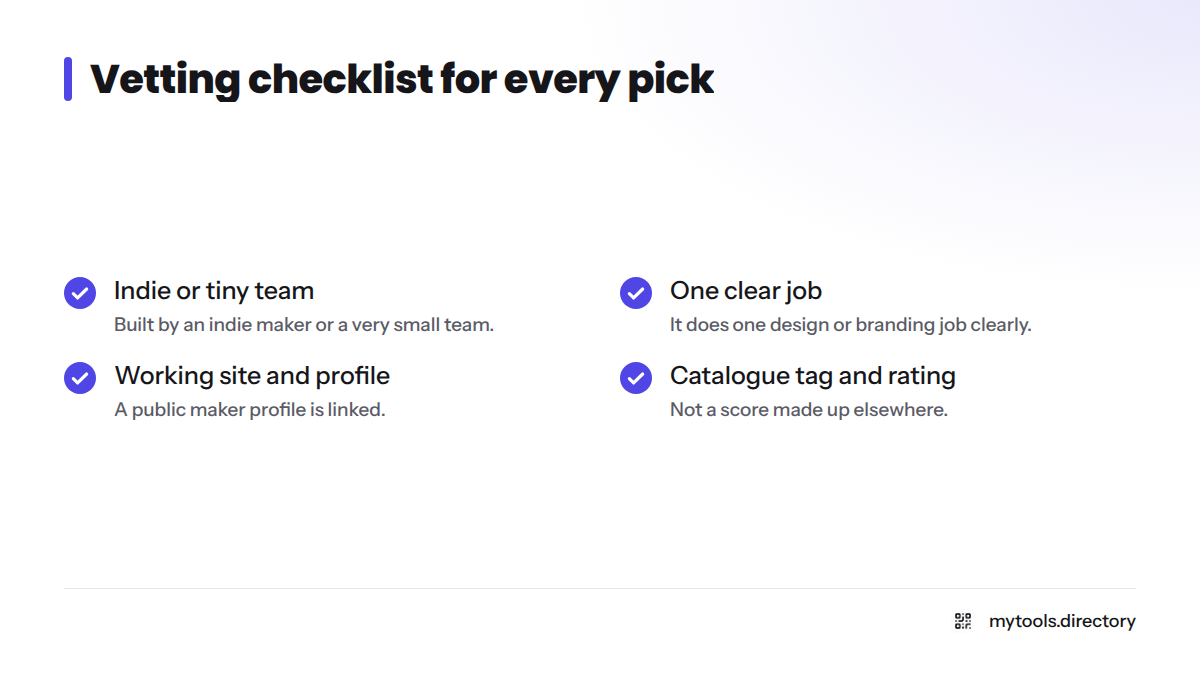
- An indie maker or a very small team built the tool.
- It does one design or branding job clearly.
- It has a working site and a public maker profile I can link to.
- It earns a tag and a rating inside the catalogue, not a score I made up elsewhere.
Each listing links to the maker's site and X profile, so you can judge the person behind it. You can sort the grid by popularity, newest or top-rated.
| Tag | Meaning | How to use it |
|---|---|---|
| Free | The maker offers a free option | Start here when cash is tight |
| Hot | Getting the most attention right now | Spot what other founders are trying |
| New | Recently added to the catalogue | Find tools before they get crowded |
| Deal | A discount or special offer is listed | Confirm the offer on the maker's site before you buy |
Stock Photos and Death to Stock Photo Alternatives
Authentic-looking photography does the most work on a landing page, because visitors see it first. Free stock photo sources like Videvo follow a simple pattern: browse, filter by licence, download, and note where each file came from. If you are weighing Death to Stock alternatives free of charge, this is a sensible place to begin.
My opinion: pick one photographic mood and stick to it. Five good photos with the same light and color beat twenty random ones. Before using any image commercially, read the licence on the page you download it from. For a wider comparison of stock photo alternatives, see these indie-built alternatives to big brands.
Color Palette Tools for Brand Colors
A palette gives your product a visual spine. ColorHunt.co is a community-curated palette library. You browse, pick a set of four colors, and copy the hex codes (the six-character codes, such as #1A1A2E, that web tools read). Use one dominant color, one accent and two neutrals. That is enough for a launch.
Font and Pairing Tools
Fonts set tone faster than words do. Fontjoy uses a generator to suggest font pairings, and you can lock one typeface and regenerate the partner until the combination feels right. A rule that holds up: one typeface for headings, one for body text, and no third.
Mockup and Visual Presentation Tools
A mockup places your screenshots inside a device frame or a scene, so a plain interface looks like a finished product. You will want them for your landing page hero, social posts and launch announcements. Keep the result honest. Show the real product, not an over-polished fantasy that your signup flow cannot match. For mockup and brand asset tools, open the grid and filter by the Free tag first.
Naming and Brand Identity Tools
A name is the first brand asset, and a weak one costs a lot to change later. NameScore for scoring brand names gives you a quick check on candidate names before you commit. Once a name survives, a domain search tool will show whether a matching domain is available. I keep that topic light here on purpose. For the bigger picture, read about building a brand on an indie budget.
Which Design Asset Group to Start With for Your Launch Job
Pick the job, then pick the group. Here is the quick table for design assets for startups.
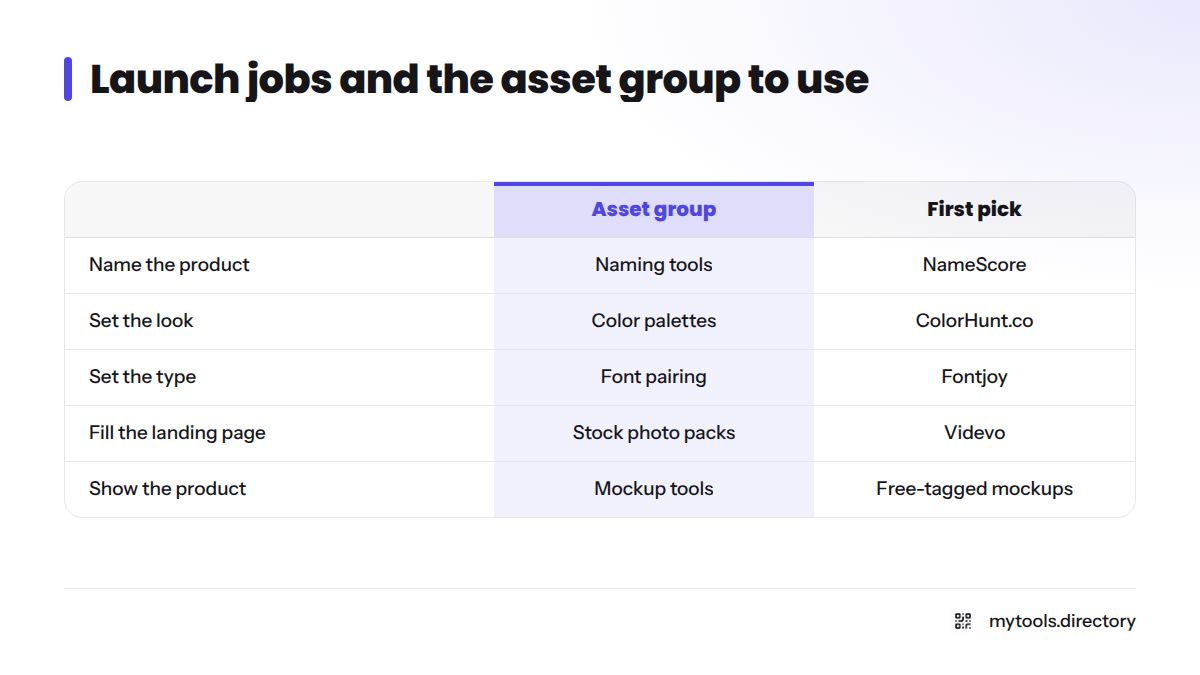
| Launch job | Asset group | Suggested first pick |
|---|---|---|
| Name the product | Naming tools | NameScore |
| Set the look | Color palettes | ColorHunt.co |
| Set the type | Font pairing | Fontjoy |
| Fill the landing page | Stock photo packs | Videvo |
| Show the product | Mockup tools | Free-tagged mockup picks in the grid |
The order I recommend:
- Name
- Palette
- Fonts
- Imagery
- Mockups
Three mistakes show up often: choosing a palette and fonts that fight each other, polishing mockups before the product works, and naming before you have talked to a single customer. For a wider shelf of branding tools for indie hackers, see the best tools for indie hackers or discover more indie products.
FAQ
Death to Stock is a subscription-based stock photo and creative asset service for creators who want less generic imagery. Visit its official site for current plans and licence terms.
It depends on fit. If you need a steady flow of fresh, non-stocky imagery and will use it often, it may suit you. If you only need a handful of photos for a launch, compare free and indie options first, and verify current terms on each site.
Yes. Use the Free tag in the grid to filter photos, palettes, fonts and mockups from indie makers. Confirm each licence on the maker's site.
I hand-vet each listing against the checklist above, then tag and rate it inside the catalogue.
Start with the name, then the palette, fonts, imagery and mockups, in that order.
Built a design tool? Submit it to the directory.
If you make a design or branding tool, submit it to MyTools and I will review it for the grid.