Solo makers need about one tool per job: a scheduler for posting, a community tool for replies, an analytics tool for what works, and a creation tool for visuals and drafts. That is four jobs, and rarely more than four tools. Below you will find examples for each job, a short list of indie-built options, my own notes from promoting an indie directory, and a simple way to pick a stack. These are examples, not rankings.
What a solo maker needs from social media marketing tools
Most social media marketing tools lists are written for marketing teams. Enterprise suites such as Hootsuite and Sprout Social are built around approvals, shared inboxes, and multiple seats. You have one seat and about an hour a day. Let's break down what that changes.
The four jobs: scheduling, community, analytics, creation
| Job | What it does | Tool type | Starter example |
|---|---|---|---|
| Scheduling | Queues posts so you publish without logging in daily | Social media scheduler | Buffer |
| Community | Collects replies, mentions, and threads in one place | Inbox or mention tracker | Native notifications, then a dedicated inbox |
| Analytics | Shows which posts earn attention | Native analytics or a reporting tool | Platform analytics first |
| Creation | Produces visuals and post drafts fast | Design and caption tools | Canva |
Here is the same list in plain terms:
- Scheduling: publish on a rhythm.
- Community: answer people quickly.
- Analytics: keep what works, drop what does not.
- Creation: make posts without opening a design suite every time.
Constraints that matter for one person
Three limits shape every choice: time, budget, and the free tier. A tool that saves ten minutes but charges a monthly fee per channel can eat your margin fast. That matters even more for social media tools for small business owners who run everything alone. Pricing and limits change often, so check each vendor's live page before you commit. I last reviewed the pages linked below in 2026.
Social media scheduling tools: examples for posting without daily effort
A social media scheduler lets you write posts ahead of time and publish them automatically from a queue. A content calendar is the view of that queue across days and channels. Together they turn posting from a daily chore into a weekly session.
- Buffer is a common starting point for one person. It publishes the same idea across several networks from one queue. It has offered a free plan, and its paid plans have been priced per channel, so confirm the current terms on Buffer's pricing page.
- Hootsuite covers scheduling, a unified inbox, and reporting. Its plans lean toward teams, so a solo maker may pay for features they never open. Compare tiers on Hootsuite's plans page.
- Indie-built schedulers exist too. Browse the indie marketing and growth tools hub on MyTools, and read each listing for what the maker says the tool does. For a fuller picture of the small-tool ecosystem, the Solo Founder Resources & Tools Hub is a good next stop.
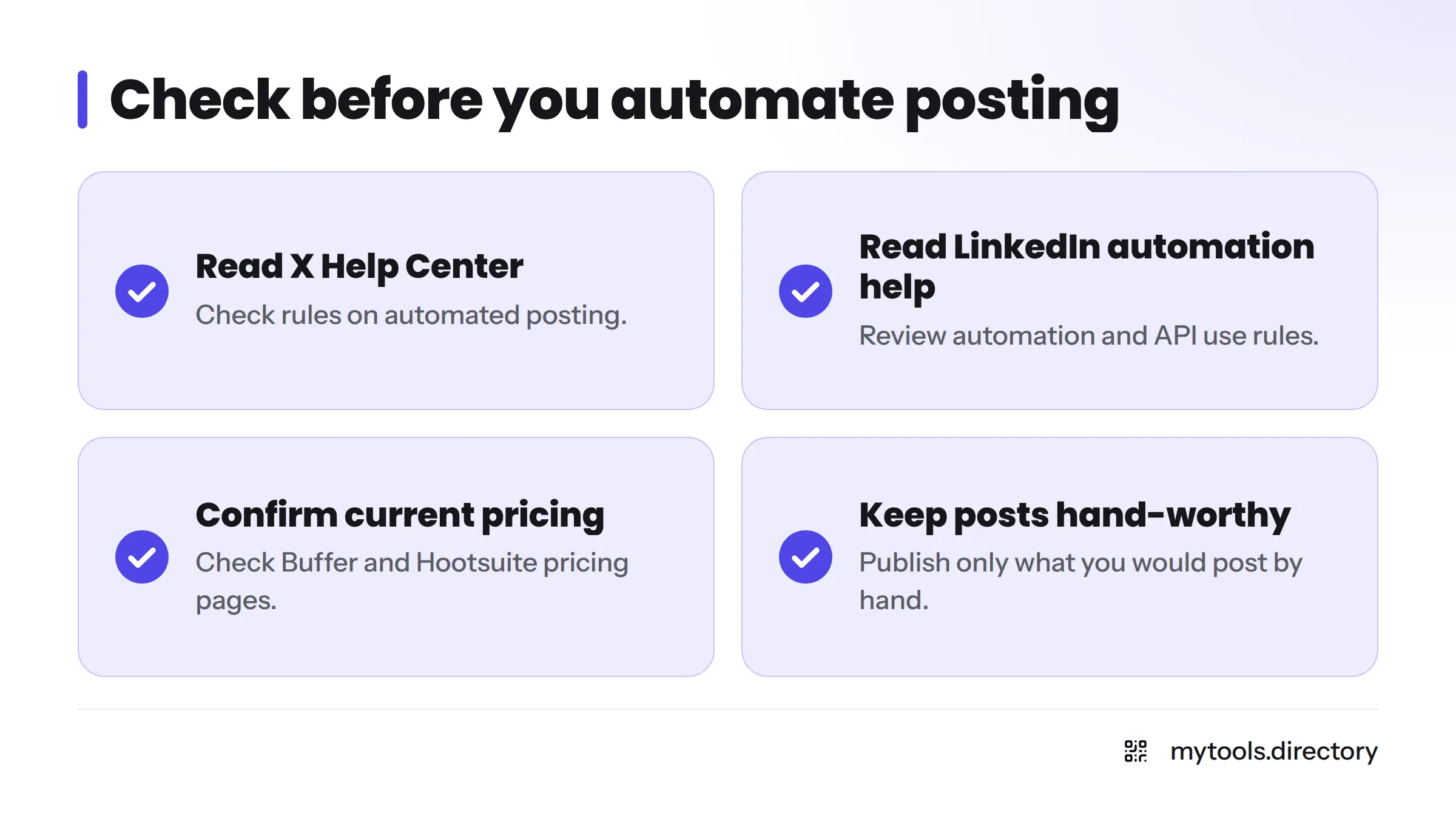
Check posting rules before you automate. Networks set their own rules for automated posting. Read the X Help Center and LinkedIn's help pages on automation and API use before you connect any auto-posting tool. Keep every post something you would be happy to publish by hand.
Community marketing tools: examples for replies, threads and conversations
Community management is the work of replying, thanking, answering questions, and joining conversations around your niche. For a small account, conversations beat broadcasting. In my experience, ten thoughtful replies teach you more than ten scheduled posts.
Community marketing tools fall into three groups:
- Unified inbox: pulls comments, mentions, and messages into one feed. Hootsuite and Sprout Social both include inbox features aimed at teams.
- Mention tracking and social listening: alerts you when someone names your product or asks a question you can answer.
- Thread tools: help you draft and queue multi-post threads for X.
Native notifications handle the first group well while your account is small. Add a dedicated tool only when replies start slipping. Indie-built options in the MyTools catalogue are worth a look, including Auto Grok, a Grok automation tool, which is described on its own listing page.
Reddit works differently from other networks and has its own culture and rules. For that channel, see RedditFast for Reddit marketing.
Social media analytics tools: examples for seeing what works
Social analytics means measuring how people respond to your posts. Engagement covers likes, replies, reposts, saves, and clicks. Start with the native analytics inside each platform. They cost nothing, report accurately for their own network, and cover most solo accounts. Add a dedicated reporting tool only when you cross-post to many channels and want one view.
Metrics worth tracking vs vanity metrics
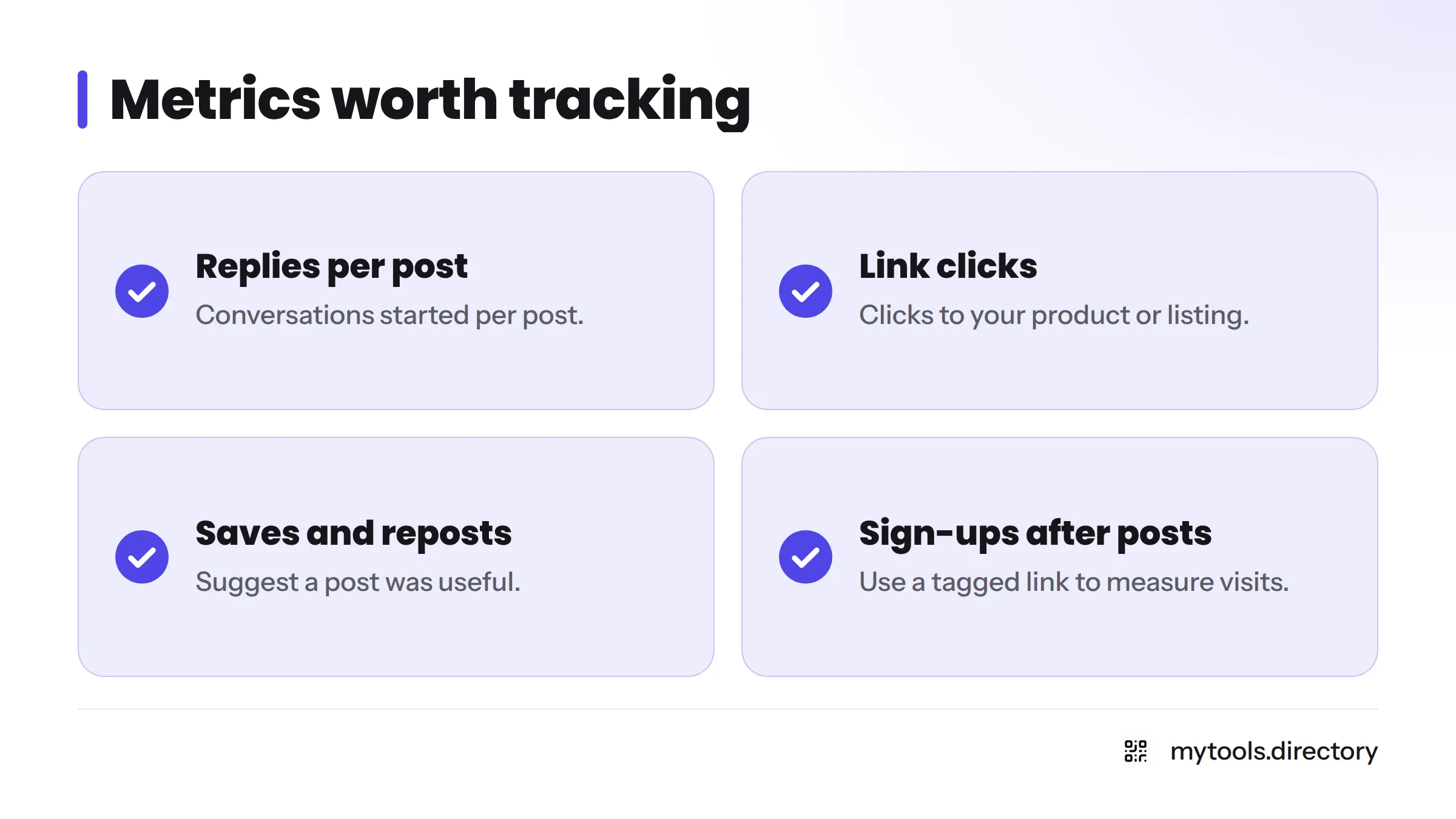
Track these:
- Replies and conversations started per post
- Link clicks to your product or listing
- Saves and reposts, which suggest a post was useful
- Sign-ups or visits that follow a post, using a tagged link
Treat these with caution:
- Follower count on its own
- Raw impressions with no clicks or replies
- Likes without any follow-up action
A weekly five-minute check is enough. Note your top post, your weakest post, and one change to try.
Creation tools: examples for quick visuals and post drafts
Post creation is making the image, clip, or caption that goes out. Canva is a familiar pick because its templates resize one design for several networks. It has a free plan, and some features sit behind paid plans, so check Canva's pricing page for what is included today. If you are hunting for social media marketing tools free of charge, Canva's free plan and the native analytics on each network make a workable start.
For product screenshots, the ScreenshotOne review covers a screenshot API, and the Screen Studio review covers a Mac screen recorder. For stock-style visuals, see indie design assets.
Gear for filming, AI marketing tools, and content creator tools each deserve their own guides, so I keep them out of this one.
Notes from promoting an indie directory on X and Reddit
This section is my own experience, not a promise of results. I have promoted an indie directory on X and Reddit, and the lessons were mostly about routine.
What worked for me
- A small, steady posting rhythm beat bursts of activity.
- Replying to people in my niche started more real conversations than my own announcements did.
- Writing posts in one batch each week kept the daily load low.
What felt wasteful
- Checking numbers every day.
- Testing a new tool every week instead of using the one I had.
- Posting to every network because a scheduler made it easy.
What I'd do differently: I would pick one network first, spend the community job's time on replies, and add a scheduler only after the routine felt natural. If you want the broader mindset, the brand-building guide for solo indie founders pairs well with this. Building in public on social is its own topic, so I point to the Build in Public guide instead of repeating it here.
If you prefer to watch a walkthrough, this buyer's guide covers the general category:
How to pick a small, low-cost tool stack as a solo maker
Think of this as a social media marketing tools list you build yourself, one job at a time.
A four-step method
- Pick the bottleneck job. Which of the four jobs costs you the most time or causes missed posts?
- Choose one tool for it. One tool, one job.
- Test on the free tier. Run it for two to four weeks before paying.
- Review monthly. Keep it only if it saved time or improved replies.
Set a cost ceiling before you start. Pick a monthly number you would not mind losing, and treat anything above it as a signal to drop a tool.
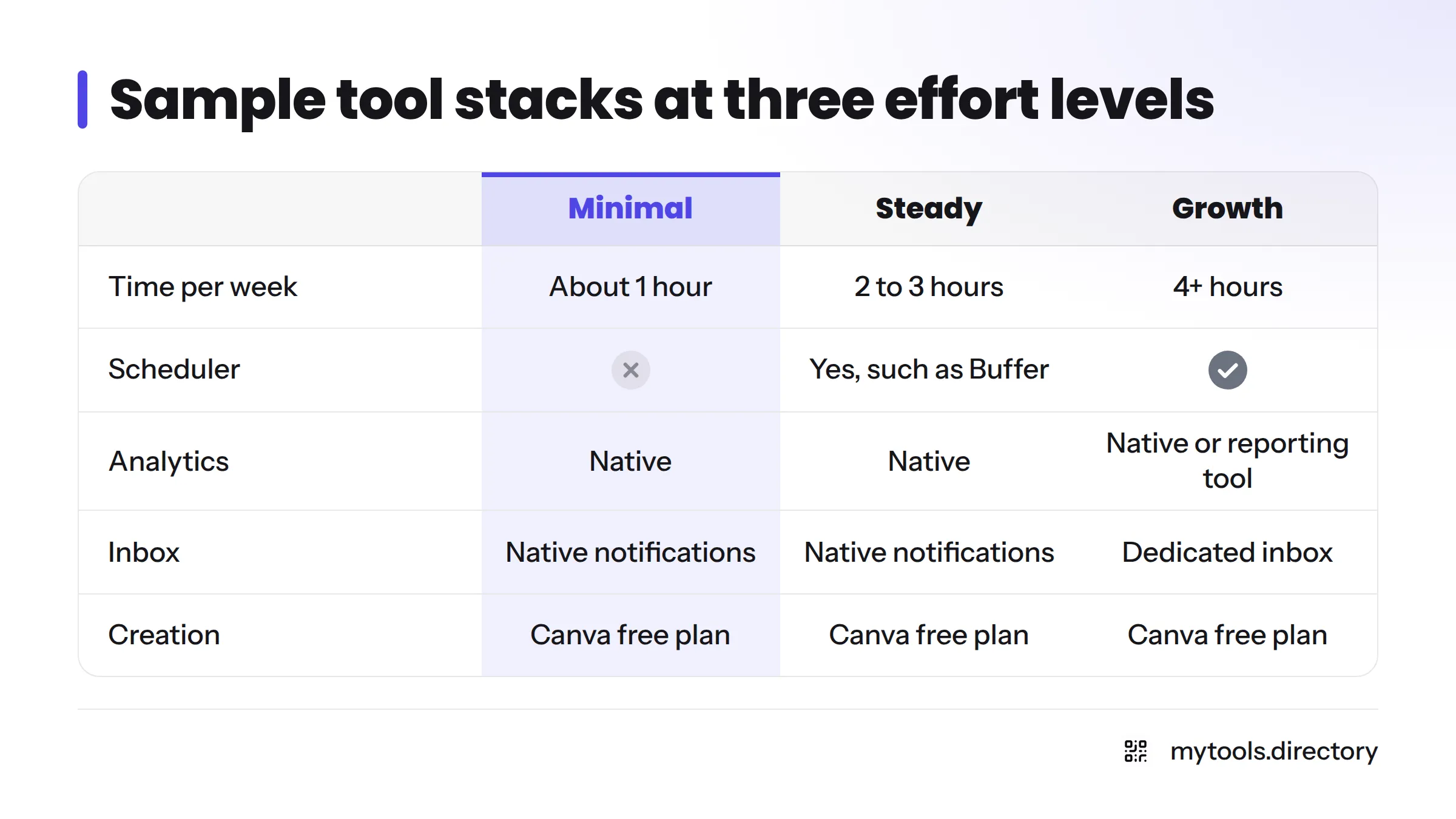
Sample stacks at three effort levels
| Level | Time per week | Stack |
|---|---|---|
| Minimal | About 1 hour | Native analytics, native notifications, Canva free plan |
| Steady | 2 to 3 hours | Add a scheduler such as Buffer, keep native analytics |
| Growth | 4+ hours | Add a dedicated inbox or reporting tool for multiple channels |
When to upgrade or drop a tool
Upgrade when you hit a real limit, such as needing more channels in your queue or a shared inbox for a helper. Drop a tool when you have not opened it in a month, or when it duplicates something a platform already does for free. If you need to connect tools without code, the no-code automation guide shows indie options.
FAQ
Usually two to four, one per job you actually need. More than that tends to cost more time than it saves.
Replies, link clicks, saves, and visits that follow a post. Skip follower counts as your main goal.
Next steps
Pick your bottleneck job, test one tool on its free tier, and review in a month. When you are ready to see more, browse the indie marketing and growth tools on MyTools. If you build a social tool yourself, submit it for listing on MyTools.