The AI marketing tools worth using on a small budget are the ones that take one repetitive job off your plate: writing and repurposing, LinkedIn and social posts, SEO research, outreach, or reporting. Pick the job that eats the most hours, test one tool on its free tier, and ignore the rest. Below are real examples, grouped by job.
I run MyTools, a hand-vetted catalogue of indie-built products, so I see a lot of AI tools pitched to solo founders. Most promise to replace a marketing team. None do. The good ones do something smaller and more useful: they give you back an hour a day. Let's break it down.
Last reviewed: November 2026.
What Counts as an AI Marketing Tool on a Solo Budget
Generative AI applied to marketing tasks
AI marketing tools are software products that use generative AI, usually large language models, to draft, analyze, or automate marketing work such as copywriting, social posts, keyword research, outreach, and reporting. They suggest and produce; you still decide what ships. Many are sold as AI marketing software or bundled into broader marketing automation platforms.
What "solo founder budget" means
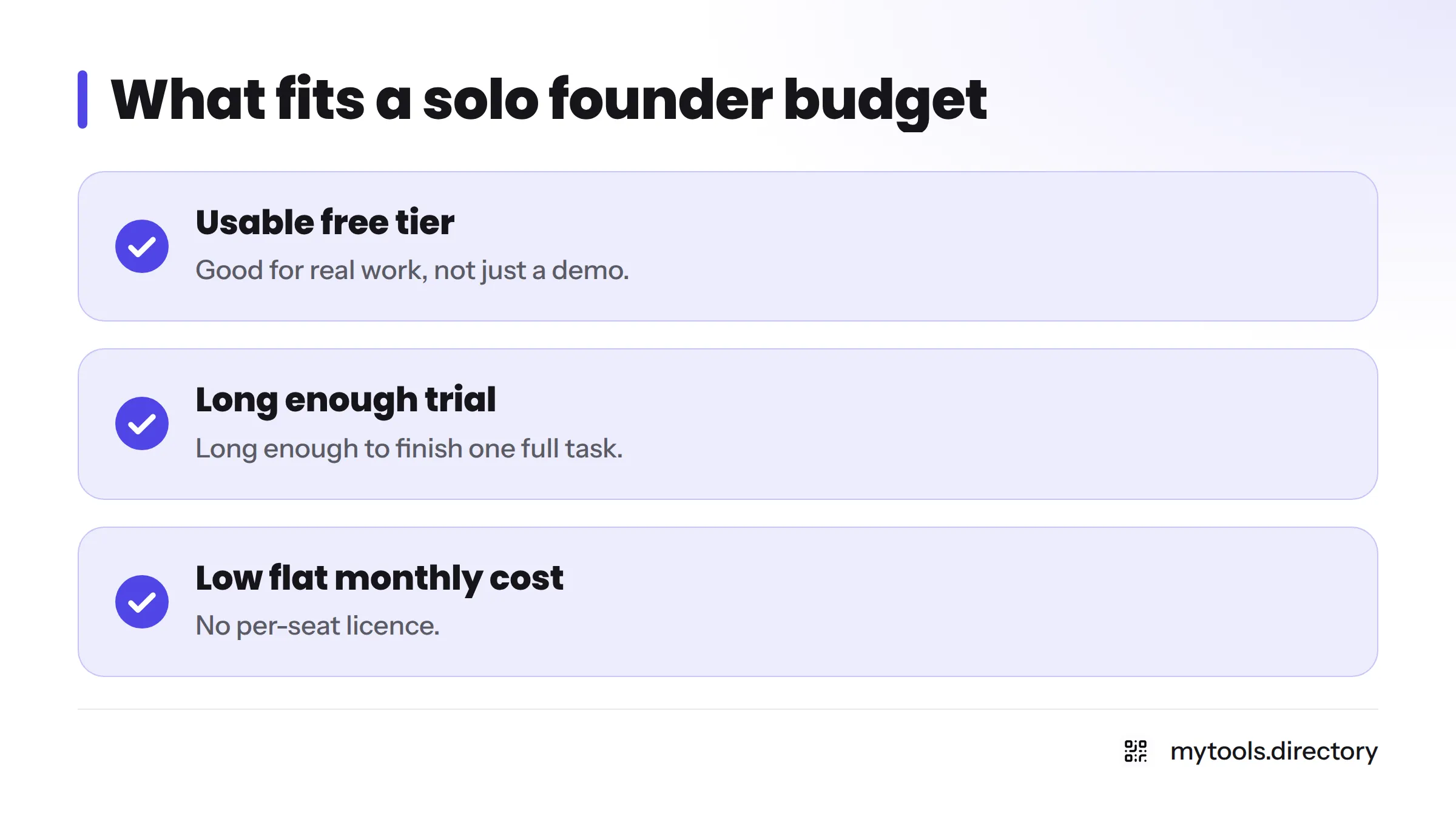
For one person, a tool fits the budget when it has at least one of these:
- A free tier you can use for real work, not just a demo.
- A free trial long enough to finish one full task.
- A low flat monthly cost with no per-seat licence.
Check each vendor's own pricing page before you commit. Prices and limits change often, so I don't quote them here.
Job-to-tool map
| Marketing job | Tool type | Examples | Check on the free tier |
|---|---|---|---|
| Writing and repurposing | General assistant or AI writing tool | ChatGPT, Writesonic, Copy.ai | Word or credit caps, export options |
| LinkedIn and social | Post generator | Reachifyme (MyTools catalogue) | Posts per month, editing control |
| SEO and keyword research | Optimization and AI search | Surfer SEO, Perplexity | Trial length, number of articles |
| Outreach and email | Personalization and automation | Your email tool plus an assistant | Sending limits, deliverability |
| Analytics and ads | Summaries and copy variants | An assistant plus your own dashboards | Data privacy, file upload limits |
AI Content Marketing Tools for Writing and Repurposing
General assistants cover outlines and first drafts
ChatGPT, and similar assistants like Claude, are the cheapest place to start. Use them for outlines, first drafts, headline options, and rewriting a rough paragraph. Paste in your own notes so the output sounds like you and not like everyone else. These are also the easiest free AI marketing tools to try, since most offer a free plan.
Dedicated writing tools earn their place through repurposing
Writesonic and Copy.ai add templates, brand voice settings, and workflows. That matters most for content repurposing: turning one blog post into a newsletter, five social posts, and a short script. If you write often, the templates save real time. If you write once a month, a general assistant is probably enough.
I keep reviews off this page on purpose. For side-by-side notes, see AI writing tools compared.
AI Social Media Tools for LinkedIn and Posting
A LinkedIn post generator from the catalogue
Reachifyme is a LinkedIn AI post generator in the MyTools catalogue, built by an indie maker. It suits founders who know what they want to say but stall at the blank page. Operator note: my view comes from catalogue vetting, not months of daily use, so test it on your own voice before trusting it. Edit every draft. LinkedIn readers spot generic posts fast.
When you can skip a scheduler
If you post three times a week or less, native scheduling inside each platform is often enough. A separate scheduler earns its cost when you manage several channels or batch a month of posts in one sitting. For more examples, read social media marketing tools for solo makers.
AI SEO Tools for Startups: Keyword Research and Optimization
Surfer SEO suits refreshes, if you publish enough
Surfer SEO is a known name for scoring a draft against pages already ranking, which helps when you refresh existing posts. For startups, the honest question is whether you publish enough to justify a monthly subscription. If you ship two posts a month, run a one-month trial and cancel.
Perplexity works as a research starting point
Perplexity answers questions with cited sources, which makes it a quick research aid. Treat it as a first pass. Open the sources it cites and confirm each claim before you repeat it.
Does Google punish AI content? Google's own guidance says its systems reward helpful, people-first content regardless of how it is produced, and that using automation mainly to manipulate rankings breaks its spam policies. Read the source: Google Search Central on AI-generated content.
AI Tools for Marketing Outreach, Email, and Community Replies
Personalize the first line, never the whole blast
Use AI to write a personalized first line from a prospect's public work. Don't use it to send thousands of near-identical emails. That hurts deliverability and your reputation. If you want to chain steps together without code, see no code automation tools for solo founders.
Community replies need a human voice
In forums and communities, people can tell when a bot is talking. Draft with AI if you like, then rewrite in your own words and add something only you know.
AI Tools for Analytics, Ads, and Reporting
Plain-English summaries and ad copy variants
Export a report, paste it into an assistant, and ask for a plain-English summary or five ad copy variants to test. In my opinion this is one of the best low-cost uses, and it works with tools you already pay for.
Check the numbers yourself
Assistants miscalculate and misread charts. Before you act on any AI summary, open the dashboard and confirm the figures behind your decision. Also skip pasting customer data into a tool whose privacy terms you haven't read.
How to Test One Tool Before You Pay
One job, one week, one metric
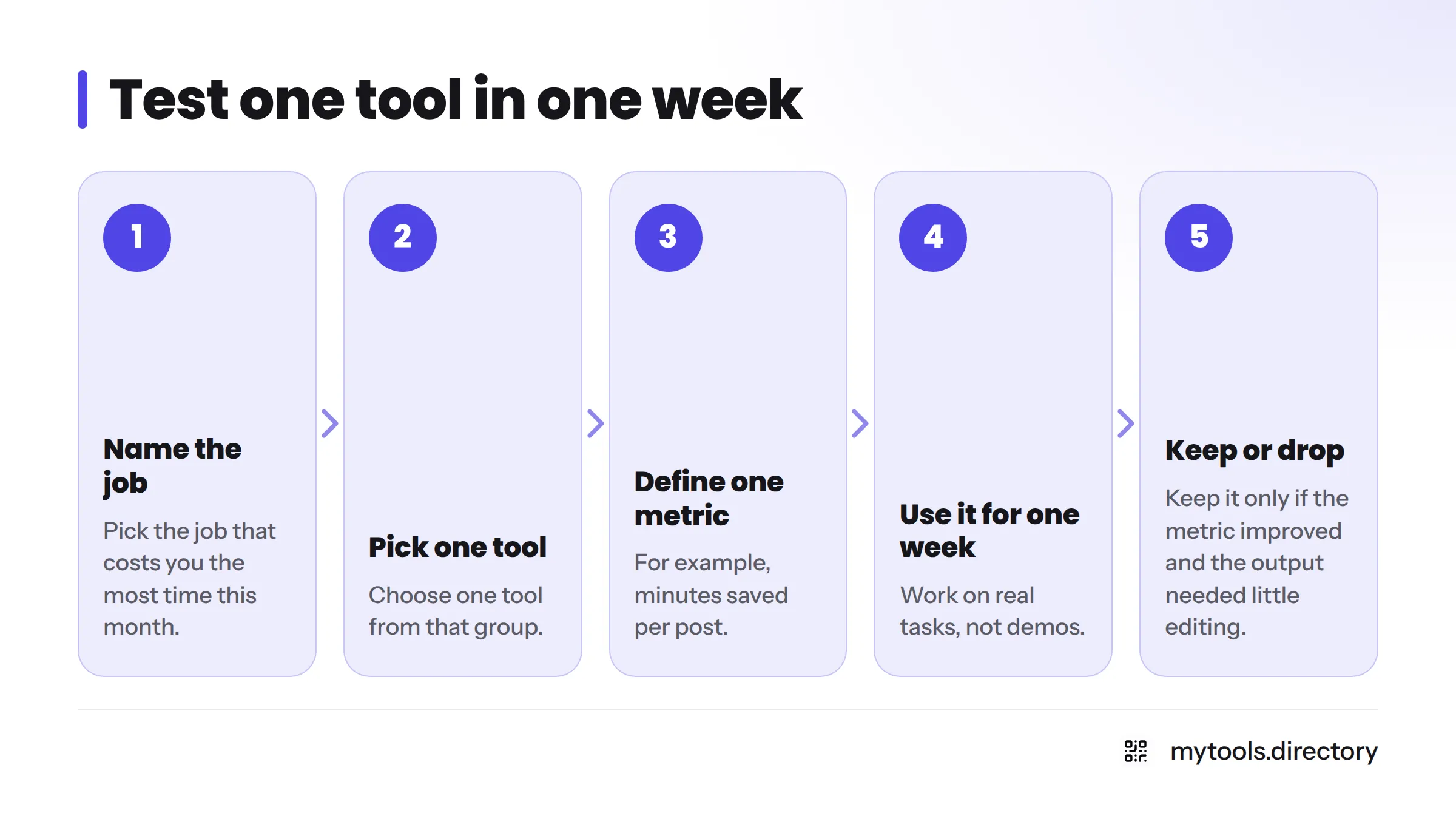
- Name the job that costs you the most time this month.
- Pick one tool from that group.
- Define one metric, such as minutes saved per post.
- Use it for one week on real work.
- Keep it only if the metric improved and the output needed little editing.
Free tier and trial red flags
- Usage caps too low to finish one real task.
- Watermarks or locked export.
- A trial that asks for a card and renews with no reminder.
- No clear way to cancel.
- Overlap with a tool you already pay for.
The decision flow
Which job costs you the most time? Pick that group. Test one tool for a week. Keep it or drop it. Only then look at the next job. If you'd rather see a ranked list, try these ranked AI marketing picks.
Where AI Marketing Tools Fall Short for Solo Operators
- Voice and originality: unedited output sounds like everyone else's.
- Accuracy and invented claims: models can state false facts with confidence. The US Federal Trade Commission has warned advertisers that claims about AI, and claims made with AI, must be truthful and substantiated. See the FTC's guidance on AI and advertising claims.
- Strategy and positioning: a tool can draft a message. It can't decide who you serve or why you are different. For that work, read how to build a brand as a solo indie founder.
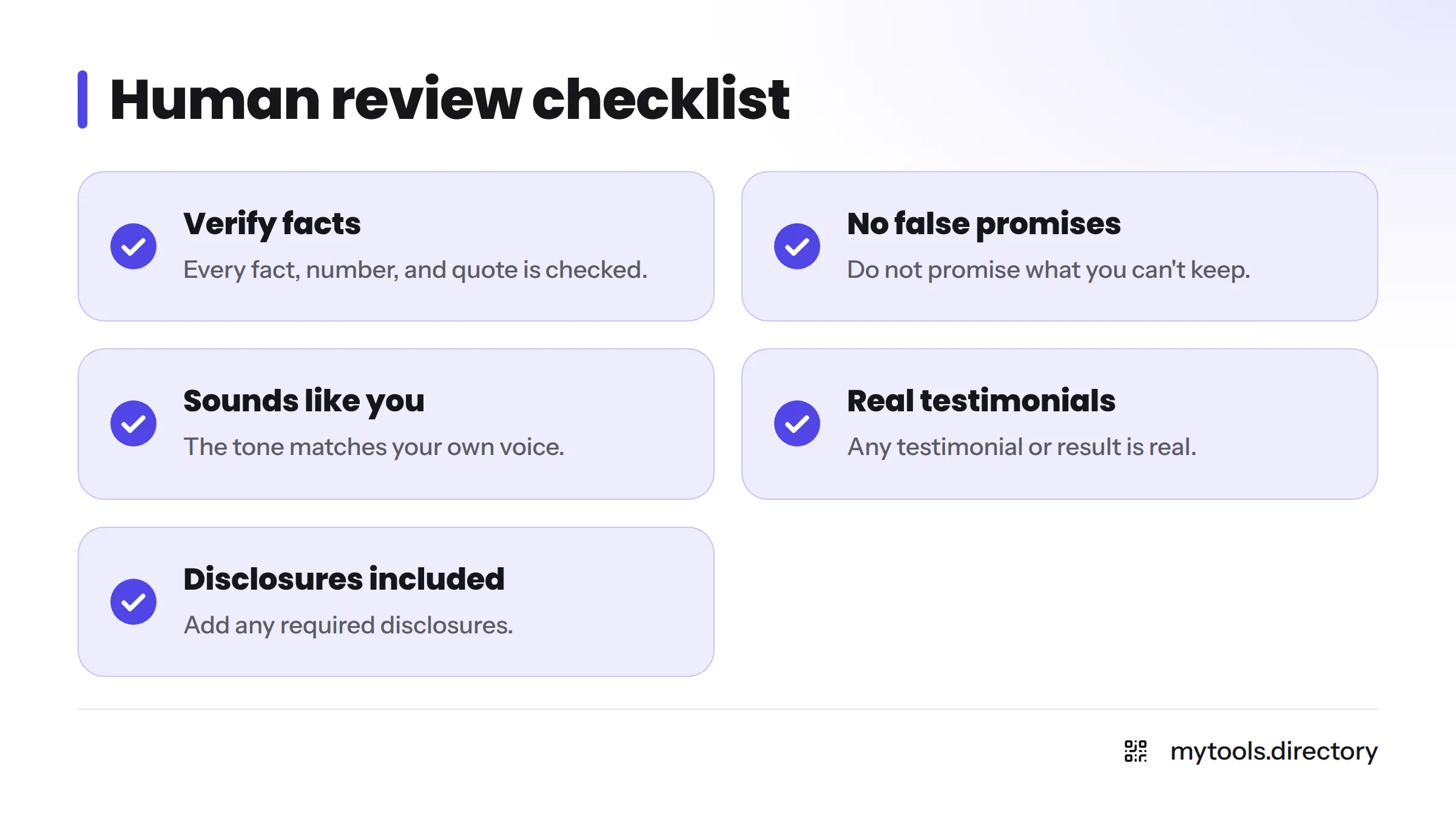
Human review checklist
- Every fact, number, and quote is verified.
- No promise you can't keep.
- The tone sounds like you.
- Any testimonial or result is real.
- Required disclosures are included.
FAQ
Start with a free general assistant like ChatGPT, then add one free tier for your top job, such as a LinkedIn post generator or a writing tool. Free tiers change often, so confirm limits on each vendor's pricing page before relying on one. That keeps AI marketing tools for small business affordable without stacking subscriptions.
For occasional drafting and brainstorming, yes. A dedicated tool wins when you need templates, saved brand voice, repeatable workflows, or built-in publishing. A general assistant is flexible, but it starts from a blank prompt every time.
Start with the job that drains the most hours. For most founders that is writing or LinkedIn posting. Test one tool for one week against one metric, then decide whether it earns a paid plan.
Pay only after a free tier proves a measurable gain, such as hours saved per week. If you can't name the metric, keep the free plan. Avoid stacking tools that do the same job.
They speed up research, outlines, and content refreshes. They don't guarantee rankings. Google says it rewards helpful, people-first content however it is made, so human review and original insight still matter most.
Verify every fact, remove unsupported claims, rewrite in your own voice, and add a real example only you can offer. Run through the human review checklist above before you hit publish.
Next Steps
Pick one job, test one tool, and keep what works. To see more options, browse marketing tools built by indie makers on MyTools. Building your own AI product? Submit your tool to the MyTools catalogue and reach the solo founders looking for it.