Videvo is a stock footage library with free and premium video clips, motion graphics, music, and sound effects. It does not cover photos, so most founders pair it with a free photo source such as Unsplash, Pexels, Pixabay, or Death to Stock. Confirm each license page before you publish anything.
I curate a product directory for indie founders, so I spend a lot of time choosing images for live pages. This guide covers where Videvo fits, which free sources sit beside it, and how to keep a launch page from looking generic. It is editorial judgment, not lab testing. I did not run download tests or measure conversions.
What Is Videvo? A Quick Answer for Founders
Videvo is an online library of stock footage that mixes free and paid assets. You browse clips, motion graphics, music, and sound effects at Videvo, download what the license allows, and drop the files into a site, ad, or launch video. Photos are not its main product, so founders who need both formats usually combine Videvo with a photo site.
What Videvo offers
- Stock video clips, advertised in HD and 4K.
- Motion graphics, useful for overlays and intros.
- Music and sound effects, handy for a launch teaser.
The site publishes its own library-size claims. I leave those numbers out because I cannot verify them independently. Check the homepage for current figures.
Free vs premium, and the Freepik connection
Videvo runs a free tier and a premium tier. Free clips can carry attribution rules, and premium terms differ. Public news coverage reported that Freepik Company acquired Videvo and made it its stock video brand. Verify current ownership and terms on the Freepik Company site and on Videvo's own pages before you rely on either.
Online reviews of the paid service raise support complaints. Treat them as a reason to read the terms carefully, not as a verdict. If you want zero risk, stay on free assets and keep records.
Checked on November 2, 2026. Licensing terms change. Re-read each license page on the day you download.
How I Picked These Free Stock Sources
I weighed five things:
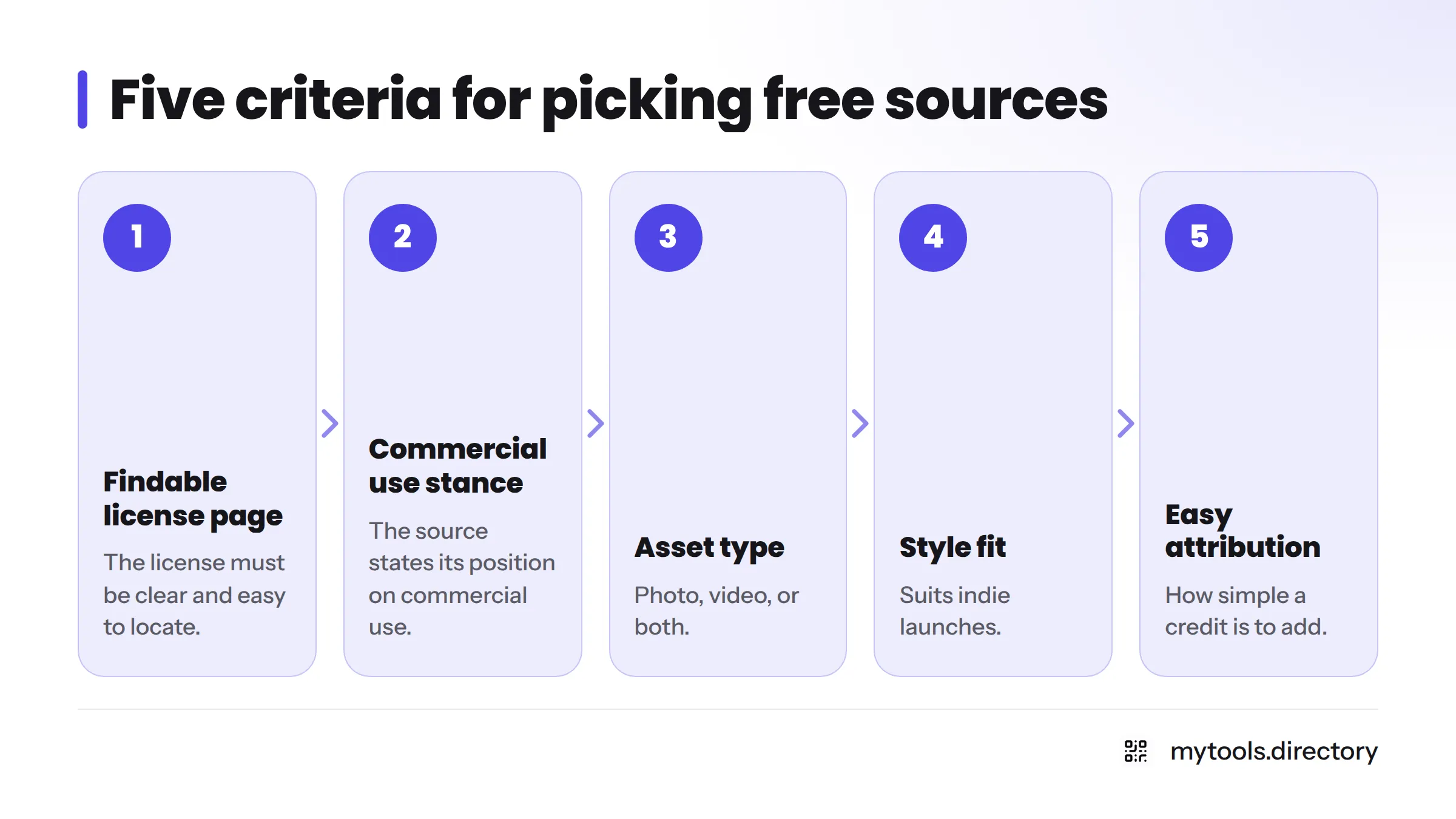
- A clear, findable license page.
- A stated stance on commercial use.
- The asset type (photo, video, or both).
- Style fit for indie launches.
- How easy attribution is to add.
I skipped library-size and download-limit claims. Each source publishes its own terms, so I link to them instead of paraphrasing from memory.
Videvo License and Attribution: What to Check
License types and attribution
Videvo describes its terms on its own site. Search results point to a "Videvo Attribution License" alongside Creative Commons terms, which suggests some Videvo free footage may need a credit line. Open the clip page, read the license shown there, and copy the exact attribution text if it asks for one. Start from the Videvo homepage to reach the current license and terms pages.
Where Videvo fits on a landing page
Free stock footage for landing pages works best in three places:
- Background loops behind a hero headline.
- B-roll for a product teaser or explainer.
- Music beds and sound effects for a launch clip.
Keep loops short and muted, and compress the file before it ships.
Limits and cautions
I do not quote free-tier limits or premium prices because I cannot cite them. Check the site. If a clip shows recognizable people, brands, or private property, do not assume a release exists.
Free Stock Photos for Websites, Plus Video Alternatives
Here is the shortlist. Each entry links to the source's own page. If you are hunting for stock photo alternatives to the big paid libraries, these are the ones I check first.
Videvo (video) recap
Best for background loops and teaser b-roll. Read the license on each clip page.
Unsplash
Best for atmospheric photos. The Unsplash license explains what you can do with the images. Read it for limits, since it restricts some uses, such as reselling photos unchanged.
Pexels (photos and video)
One source for both formats. The Pexels license lays out permitted uses and restrictions. It is my first stop when I need a photo and a matching clip.
Pixabay
Photos, illustrations, and video sit under the Pixabay Content License. Read the summary for what is prohibited, such as certain uses involving identifiable people or brands.
Death to Stock
Death to Stock is known for a more editorial, less staged look than the big libraries. Check Death to Stock for current plans and license terms, since offerings change. For more options in that spirit, see my page of Death to Stock alternatives and indie design assets.
Coverr (video)
A small-library feel, aimed at website background video. Terms live on Coverr.
Mixkit (video)
Free video clips, music, and sound effects. Read the Mixkit license before use.
Comparison table
| Source | Photo / video | Best launch use | Where to read the license | Attribution? |
|---|---|---|---|---|
| Videvo | Video, motion graphics, audio | Hero loop, teaser b-roll | Videvo | Check each clip |
| Unsplash | Photo | Atmosphere, section backdrops | Unsplash license | Read the license |
| Pexels | Photo and video | Hero image plus matching clip | Pexels license | Read the license |
| Pixabay | Photo, video, illustration | Social graphics, quick fills | Pixabay license | Read the license |
| Death to Stock | Photo and video | Editorial-style hero | Death to Stock | Read the terms |
| Coverr | Video | Background loops | Coverr | Read the terms |
| Mixkit | Video, music, SFX | Teaser audio and clips | Mixkit license | Read the license |
I left the attribution column as "read the license" on purpose. Rules differ by site and can change, so confirm on the day you download.
Royalty Free Stock Footage: Licensing Checks Before You Publish
This is not legal advice. It is the routine I follow.
Commercial use and attribution in plain terms
"Free" means no purchase price. "Royalty-free" means you do not pay per use, but the license still sets rules. That matters whenever you search for royalty free stock footage, because the label alone tells you nothing about what is allowed. Commercial use means using the asset in something that supports a business, such as a product page. Attribution means crediting the creator when the license asks.
CC0 and Creative Commons
Creative Commons describes CC0 as a public domain dedication, meaning the creator waives rights to the extent the law allows. Other Creative Commons licenses can require credit or limit changes. Never assume one badge means another.
People, logos, and property
A license to the photo is not a release from the people or brands in it. Many free libraries do not guarantee releases. Avoid recognizable faces, logos, and private property unless the license says it is fine.
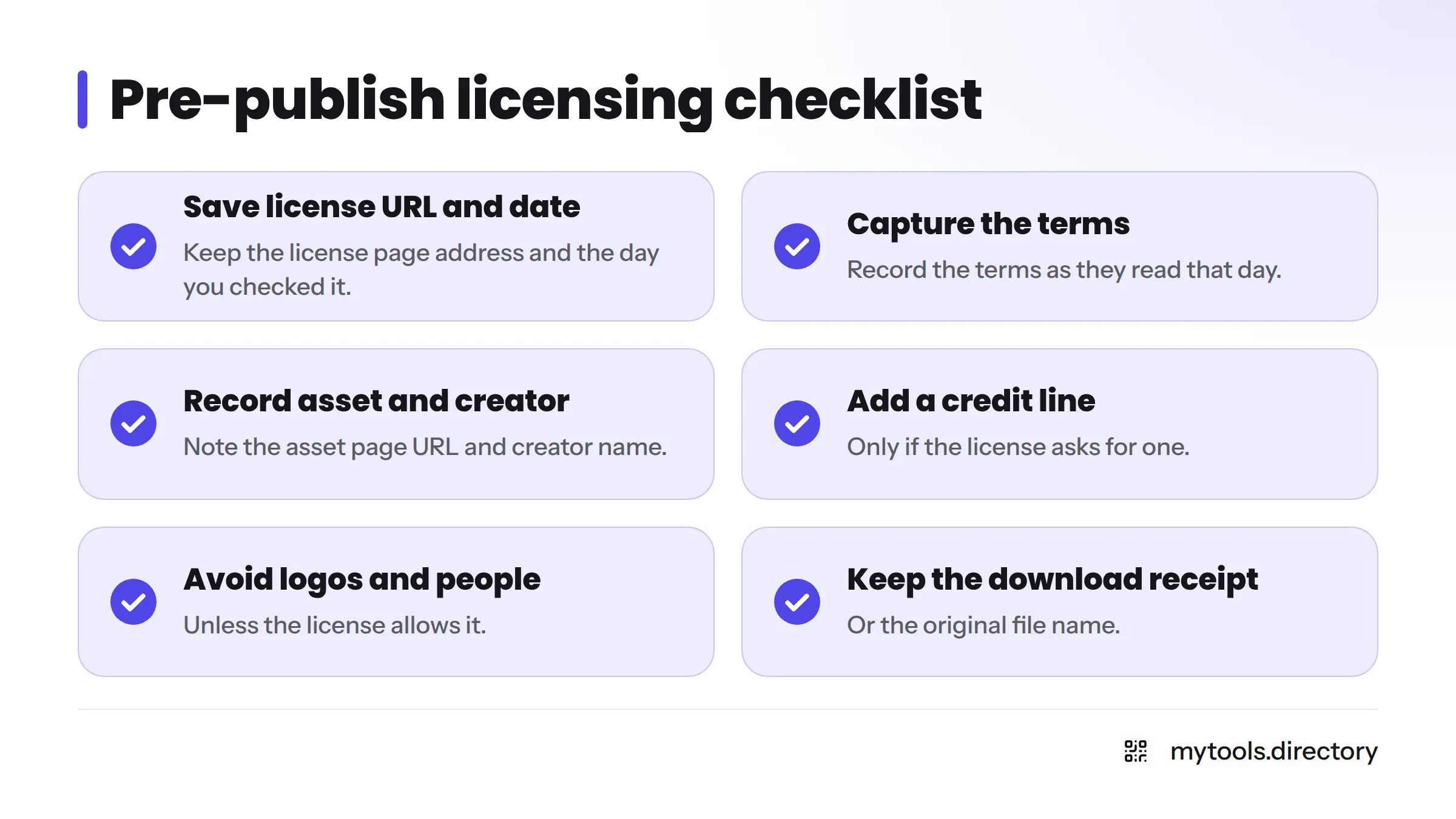
Pre-publish checklist
- Save the license page URL and the date.
- Capture the terms as they read that day.
- Record the asset page URL and creator name.
- Add a credit line if the license asks for one.
- Avoid recognizable logos and people unless the license allows it.
- Keep the original file name or download receipt.
How to Keep an Indie Landing Page from Looking Generic
Here is my opinion, not a fact: shoppers have seen the same smiling-team photo a thousand times. A few habits help.
- Use fewer images. Two distinctive ones beat six forgettable ones.
- Crop tightly. A close detail looks less staged than a wide scene.
- Apply one treatment. The same tone and contrast across every image reads as intent.
- Mix with real product shots. Use stock for atmosphere and real screenshots for proof.
- Skip stock for claims. Never use a stock person to imply a customer.
If you need to retouch a free image, a tool like Photo Enhancer can help, and Free WebP to JPG handles format swaps. For the bigger picture, read how to build a brand as a solo indie founder. I plan separate guides on picking a palette to match your imagery and on portfolio builders that show photography well, so I won't cover those here.
Which Source to Use for Which Launch Asset
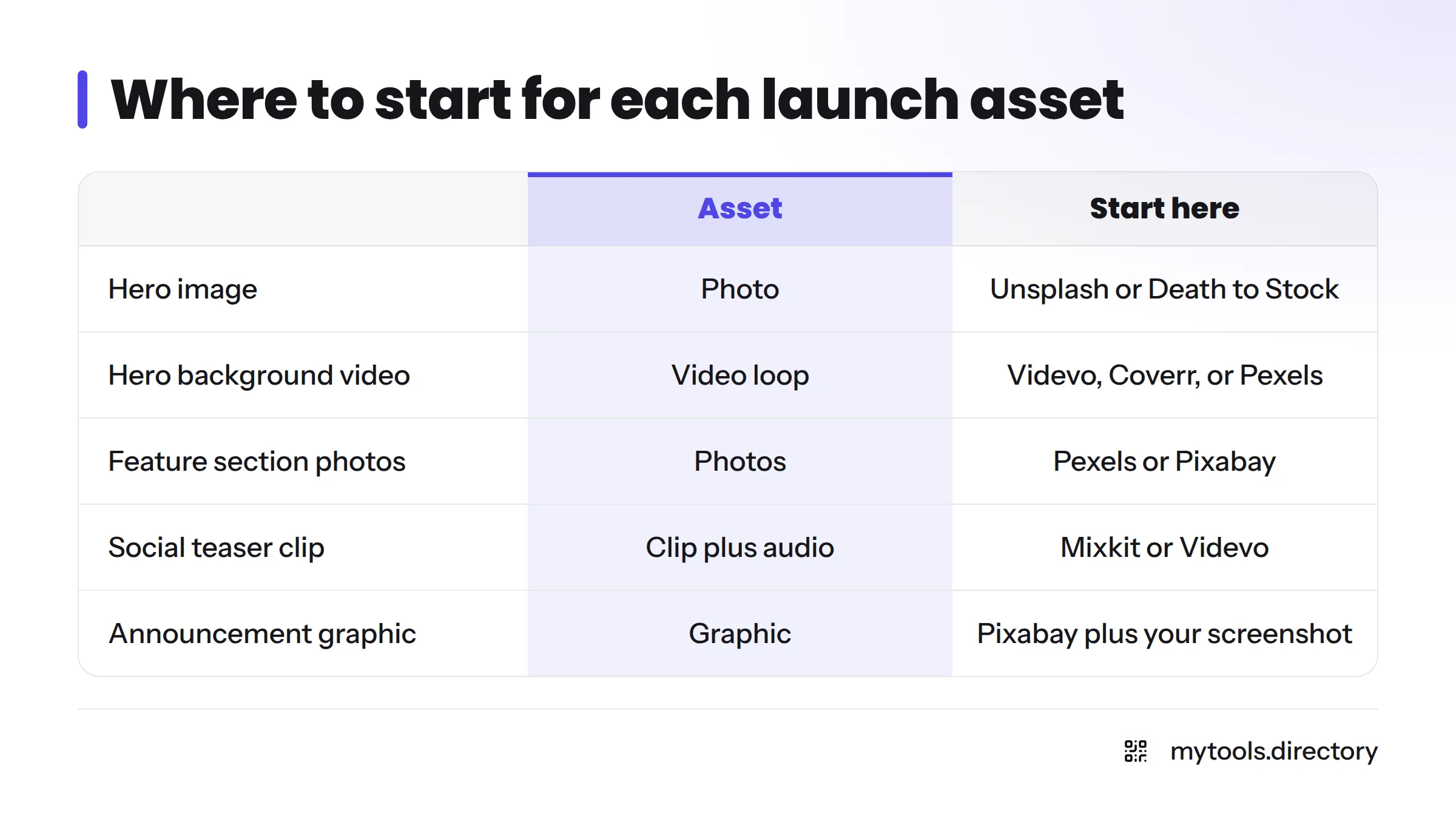
| Launch asset | Start here | Why |
|---|---|---|
| Hero image | Unsplash or Death to Stock | Photographic, easy to crop |
| Hero background video | Videvo, Coverr, or Pexels | Loop-friendly clips |
| Feature section photos | Pexels or Pixabay | Broad choice, one license to read |
| Social teaser clip | Mixkit or Videvo | Clips plus music and effects |
| Launch announcement graphic | Pixabay plus your own screenshot | Quick fill, real proof on top |
For a visual walkthrough, this video compares free stock video and photo sites side by side:
FAQ
Videvo is a stock footage library with video clips, motion graphics, music, and sound effects, offering free and premium content.
It has a free tier and a premium tier. Free items can carry conditions, so read the license on each asset page.
That depends on the license for the specific clip. Check the terms on the clip page and on Videvo's site before using it in a business context.
Some free content may. Search results mention a Videvo Attribution License, so copy any credit text the clip page asks for.
News coverage reported an acquisition by Freepik Company. Confirm current ownership and terms on the official sites.
Videvo is mainly video. For photos, use Unsplash, Pexels, Pixabay, or Death to Stock.
Creative Commons describes CC0 as a public domain dedication, so credit is not required. Giving credit is still a kind gesture.
Next Steps
Pick one video source and one photo source, read both license pages today, and save your records. Then browse the design and branding assets for indie founders on MyTools to find free tools that pair with your imagery. This article is general information, not legal advice. Verify terms and releases yourself.